A webinar producer is the person running everything your audience doesn't see. They build the show before the day, tech-check every presenter, then sit at the controls for the entire live event — switching between speakers and slides, rolling video, watching audio, managing the stream, and fixing problems before anyone watching notices. The presenter talks. The producer handles the other forty things happening at the same time.
I'm Mark White, owner of DFW Live Stream, and this is the job I do most weeks. Ten years of live streaming for corporate events, conferences, and universities, and these days a lot of that work is producing webinars and virtual events for clients around the country.
People ask what they're actually paying for when a webinar production quote has a producer on it. Fair question. So here's the honest answer — what the role covers, what a producer does hour by hour on show day, and when you genuinely need one.
The short version: a webinar producer owns every technical and creative decision in your webinar so your presenters can own the content.
Split across the timeline, the role covers four things. Before the event, they build the run of show and prepare your presenters. On event day, they direct the live show — switching, graphics, playback, audio. During the show, they're also the safety net, watching for the failures nobody plans for. Afterward, they deliver the recording and whatever comes out of it.
None of that is the same job as hosting. Your host or moderator talks to the audience. The producer makes what the audience sees and hears look intentional.
Most of a producer's value is spent before anyone goes live. A smooth webinar is a boring one, and boring is built in advance.
A run of show is the minute-by-minute plan: who's speaking when, what's on screen for each segment, where the videos roll, how questions get handled, and how each handoff works. It's the document the whole event runs on.
This is also where a producer earns their fee by asking uncomfortable questions early. What happens if the Q&A dries up after two questions? Who's talking during the five minutes people are joining? What's on screen while the panel gets seated? Those gaps are what make webinars feel amateur, and they're all solvable on paper.
Every presenter gets a tech check before the day: camera, microphone, lighting, internet connection, screen sharing. It takes ten minutes per person and it's the single highest-value habit in this whole business.
Presenters are not video people, and they shouldn't have to be. The producer is the one telling someone their ceiling light is making them look exhausted, or that their laptop microphone sounds like a drive-through speaker, and then fixing it with them instead of just flagging it.
Lower thirds with names and titles. A branded backdrop. Intro and outro cards. Holding slides for the pre-show. Transition graphics between segments.
A producer builds those once with your brand and reuses them for every event after that, which is why a monthly webinar program gets easier and better as it goes.
Here's the part people find hard to picture. During a 60-minute webinar, a producer is doing all of this continuously.
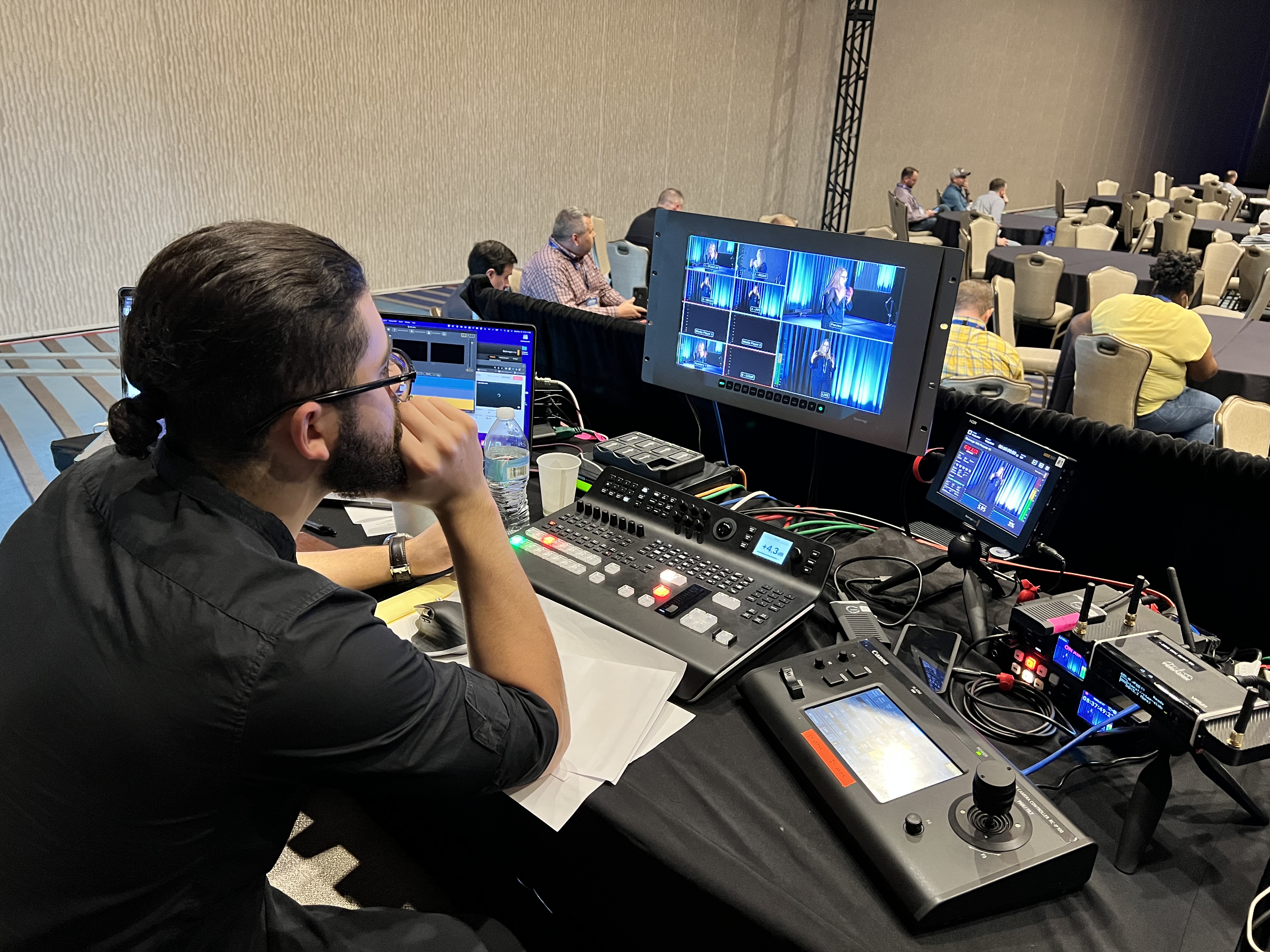
Switching cameras and sources — full-screen speaker, speaker with slides, two-box for a conversation, full-screen video for a clip. Every one of those cuts is a decision made in real time based on what's being said.
Bringing graphics on and off at the right moment. Rolling pre-recorded video on cue so it plays clean instead of through a shared browser tab. Advancing or handing off slide control. Keeping the show moving when a segment runs long.
Audio is the thing audiences will not forgive. A producer is watching levels for every open microphone, muting whoever isn't speaking, catching the presenter who leans away from their mic, and keeping the mix consistent when someone joins from a phone.
Most bad webinars aren't bad because of the picture. They're bad because someone's audio was rough for forty minutes and everyone quietly left.
A producer keeps eyes on the actual output — not the control room view, the thing your audience is looking at. Is the stream healthy? Is it drifting behind? Did the platform silently stop the broadcast? Did the slides disappear for everyone except the person presenting them?
Nobody inside the meeting can see that. That's why the role exists.
A presenter's internet dies mid-sentence. A guest joins forty seconds before they're due on. Someone shares the wrong screen and their inbox is on it. The slide deck opens in the wrong aspect ratio.
All of that has happened. The producer's job is to make the recovery invisible — cut away, cover with a graphic, bring the host back, keep the show going. Your audience should never know what the room felt like.
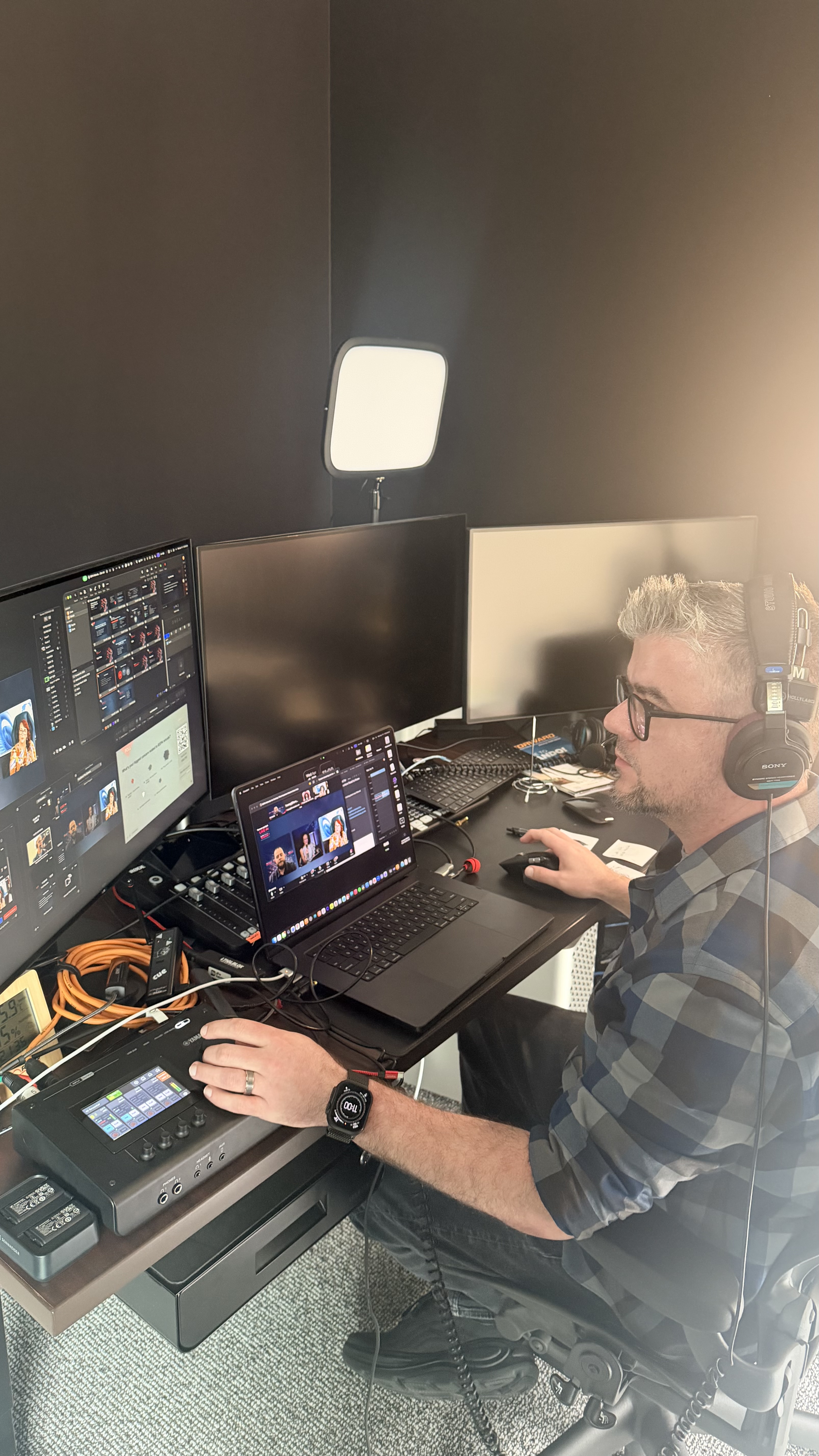
This surprises people, so it's worth spelling out. On our webinars, presenters join a plain video call. No special links, no downloads, no drivers to install.
The produced show feeds back into that call as the producer's camera, so speakers watch the finished broadcast live in their own window — they can see exactly when they're on screen and when they're not. From the presenter's side, the whole thing feels like a normal call. From the audience's side, it looks like television.
These titles get used interchangeably and they shouldn't be.
The host or emcee is on camera, welcoming the audience and moving between segments. The moderator manages the conversation and the Q&A, usually also on camera or in the chat. The AV technician handles equipment and signal, often for a physical room.
The producer owns the show itself: the plan, the look, the switching, and the outcome. On a small webinar one person may wear two of those hats. The combination that reliably fails is presenter and producer being the same person, which is exactly why most corporate live streams go sideways.
Not always, and I'd rather say so.
An internal team update where twelve colleagues dial in? Run it yourself. Nobody needs a producer for a meeting.
You want a producer when the webinar has stakes: customers or prospects watching, an executive on camera, a product launch, a paid session, a recording that becomes a marketing asset, or more than two or three presenters to coordinate. The rough test I give people — if you'd be embarrassed by twenty minutes of avoidable technical mess, the event has stakes.
The other trigger is frequency. If someone on your marketing team is losing two days a month to running webinars, that's not free — that's just a cost recorded somewhere else. I broke that math down in in-house versus outsourced webinar production.
Because we publish our pricing, I can give you real numbers instead of a range.
A single produced webinar with a dedicated producer, up to 90 minutes live, is $1,385 — that includes the pre-production session, branded graphics, presenter tech checks, live production, and the recording. Monthly programs run $885 per month for one a month or $1,585 for two. Longer 2 to 3 hour programs are $1,985. It's all on the packages and pricing page.
Larger productions — an all-hands with eight presenters, or a multi-session virtual conference — get scoped individually, because rehearsing eight people is a different job than rehearsing one.
Ask who specifically is producing your event, and whether that person is on anything else that day. "A producer" and "your producer" are different answers.
Ask what happens in pre-production. If nobody wants a run-of-show conversation, every problem gets discovered live, in front of your audience.
Ask what they do when something fails. Anyone who has produced real shows has specific stories and specific backups. Vagueness here is the tell.
And ask what you own afterward — the recording should be yours, in a usable format, without a fee to get it.
If you've got a webinar or virtual event coming up and you're not sure whether it needs a producer, book a short call and I'll tell you honestly. Some events don't. The ones that do, you'd rather find out now than at minute four with your CEO on screen.
A webinar producer plans and runs the technical and creative side of a webinar: building the run of show, tech-checking presenters, creating branded graphics, then directing the live event by switching sources, rolling video, managing audio, monitoring the stream, and handling problems in real time so the audience never sees them.
The host is on camera talking to the audience. The producer is behind the scenes making the show work — switching, graphics, audio, stream health, and recovery when something breaks. One is the face of the event; the other is the reason it holds together.
Technically yes, and it's the most common reason webinars feel unprofessional. Presenting well takes your full attention, and so does producing. Doing both means doing neither properly, and the audience feels it within minutes.
No. If it's an internal update with a handful of colleagues, run it yourself. Producers earn their keep when the event has stakes — customers watching, executives on camera, a recording you plan to reuse, or several presenters to coordinate.
Our published pricing starts at $1,385 for a single produced webinar up to 90 minutes, including pre-production, graphics, tech checks, live production, and the recording. Monthly programs start at $885 per month. Larger multi-presenter productions are scoped individually.
Not for a virtual event. Webinar production happens wherever the producer is, so ours is entirely remote — we produce for clients in every US time zone without anyone traveling. Only events with a physical room and audience need crew on location.
None beyond a normal video call. Presenters join through standard software with no special links, downloads, or drivers, and the produced show is fed back into that call so they can watch the live broadcast while they present.
Mostly scale. The core role is identical, but a virtual event producer typically coordinates more presenters, longer runtimes, and sometimes multiple simultaneous sessions. Here's what full virtual event production services cover if your event is bigger than a single session.