I get a particular kind of call a few times a year. It's a marketing manager or an event lead, and the conversation usually starts with "our last livestream was a disaster, and it can't happen again." Sometimes the audio cut out. Sometimes the stream froze for fifteen minutes during the CEO's opening. Sometimes it just looked cheap in front of an audience that expected better.
Here's the thing almost nobody believes until it bites them: corporate livestreams rarely fail because of the cameras. They fail on the boring stuff — internet that wasn't built for it, audio nobody tested, and the complete absence of a backup plan for when something goes wrong. The good news is that every one of those failure points is preventable, and none of them require a bigger budget. They require someone whose entire job that day is making sure the stream doesn't drop. Let me walk through what actually goes wrong, in the order I see it.
The number one reason corporate livestreams fail is the venue internet, and it's the failure that hurts most because the audience sees it happen live. A livestream needs stable, dedicated upload bandwidth for hours straight. Hotel and conference-center WiFi is built for a few hundred people checking email, not for pushing a continuous high-bitrate video signal out to the world.
And viewers are merciless about it. Roughly 70% of viewers abandon a live stream after it buffers more than twice, and every extra second of delay pushes more of them to close the tab. So a stream that "mostly worked" with a few freezes didn't mostly work — it lost most of the people you produced it for. When I quote an event, the bandwidth question comes before the camera question, every time. If you want to understand how much of a professional setup is really just insurance against this exact problem, I broke it down in what it costs to livestream an event.
The fix for internet failure isn't "better WiFi." It's redundancy — two independent paths to the internet, so that when one dies, the stream never knows. This is the single biggest difference between a setup that survives a bad day and one that doesn't.
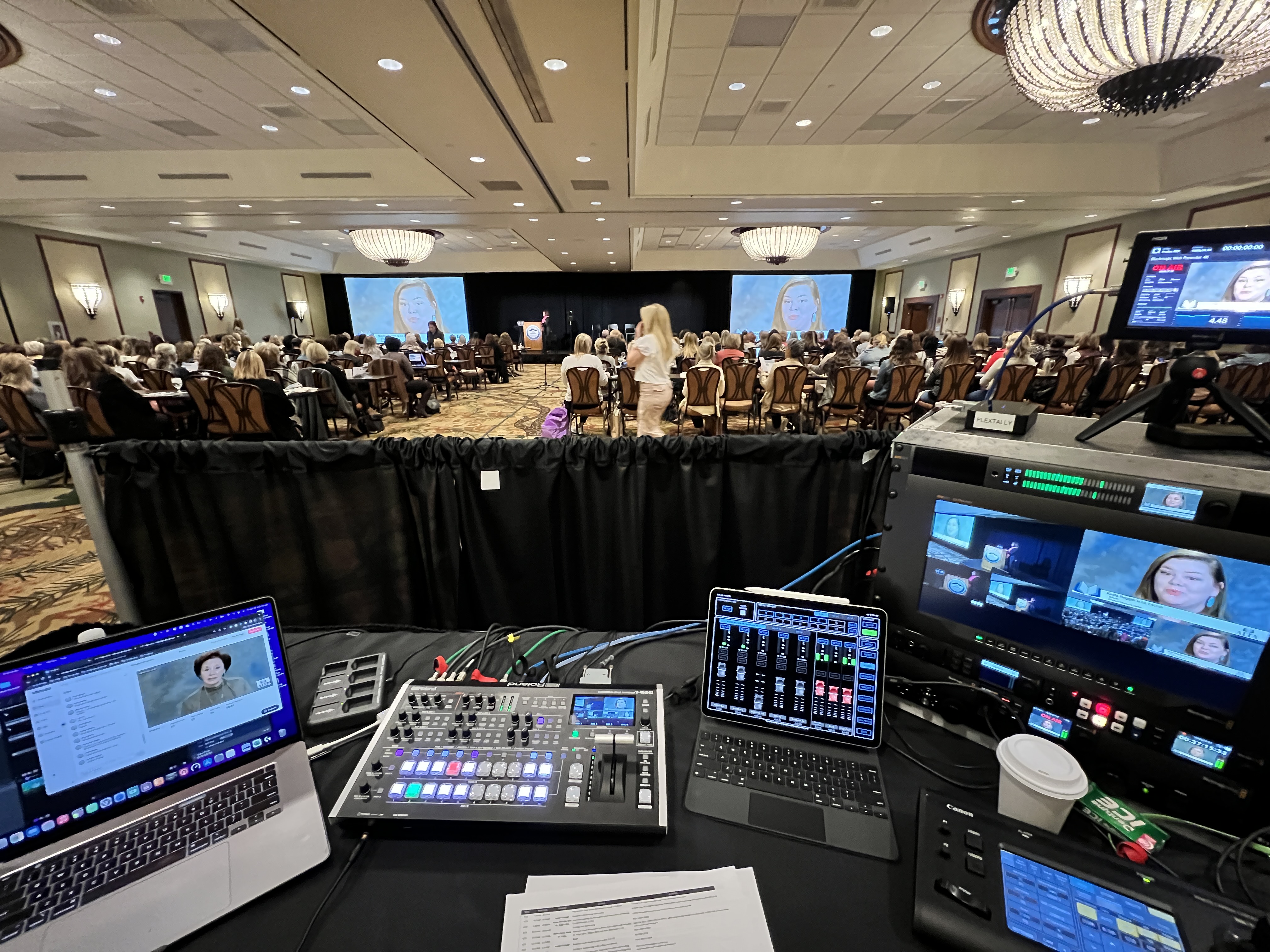
Here's a real one. We were producing a corporate event at a hotel in Grapevine, and partway through the morning the house internet went down — not for us, for the whole property. People in the room couldn't load a webpage. Our stream didn't drop a single frame. We were running a bonded LiveU encoder that combines the hardwired line with multiple cellular connections at once, so when the building's internet fell over, the unit simply leaned on the cellular bonds and kept pushing. The remote audience never knew anything happened. That's what redundancy buys you: not a better stream, an uninterrupted one. If you're comparing vendors, this is the question that separates the pros from the people who'll be apologizing in the chat — I put it near the top of my guide to choosing a live streaming company.
Audio is the failure people underestimate the most and forgive the least. An audience will tolerate a slightly soft camera shot. They will not tolerate not being able to hear, and they'll leave faster for bad sound than for almost anything else. Yet audio is consistently the most under-planned part of a corporate stream.
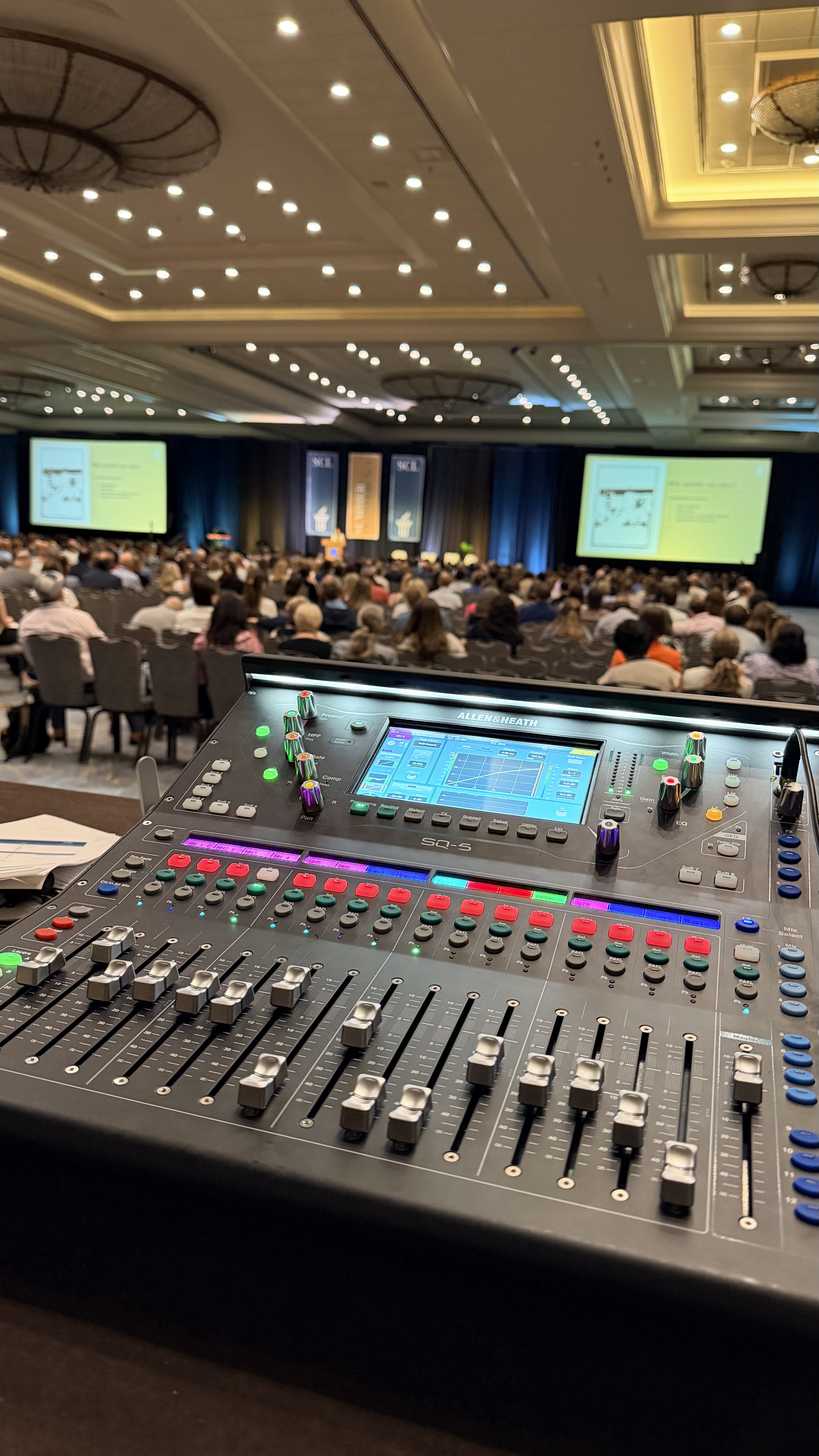
The problems are almost always the same: a presenter's lavalier battery dies because nobody swapped it, the room mics pick up HVAC hum, or — the classic — the stream is fed off a single camera's built-in mic instead of a real board feed. We run a dedicated audio chain into a digital console, with wireless Sennheiser systems and fresh batteries staged for every mic, because the stream audio is its own deliverable, not an afterthought you grab from the room. When you have both an in-room audience and an online one, it gets harder still, because you're effectively mixing two different shows at once. That's a big part of why hybrid events trip up internal teams.
A surprising number of "professional" livestreams are running on a single point of failure for every critical component — one camera, one computer, one internet connection, one operator. That setup works perfectly right up until any one of those things hiccups, and then the whole show stops with no way to recover.
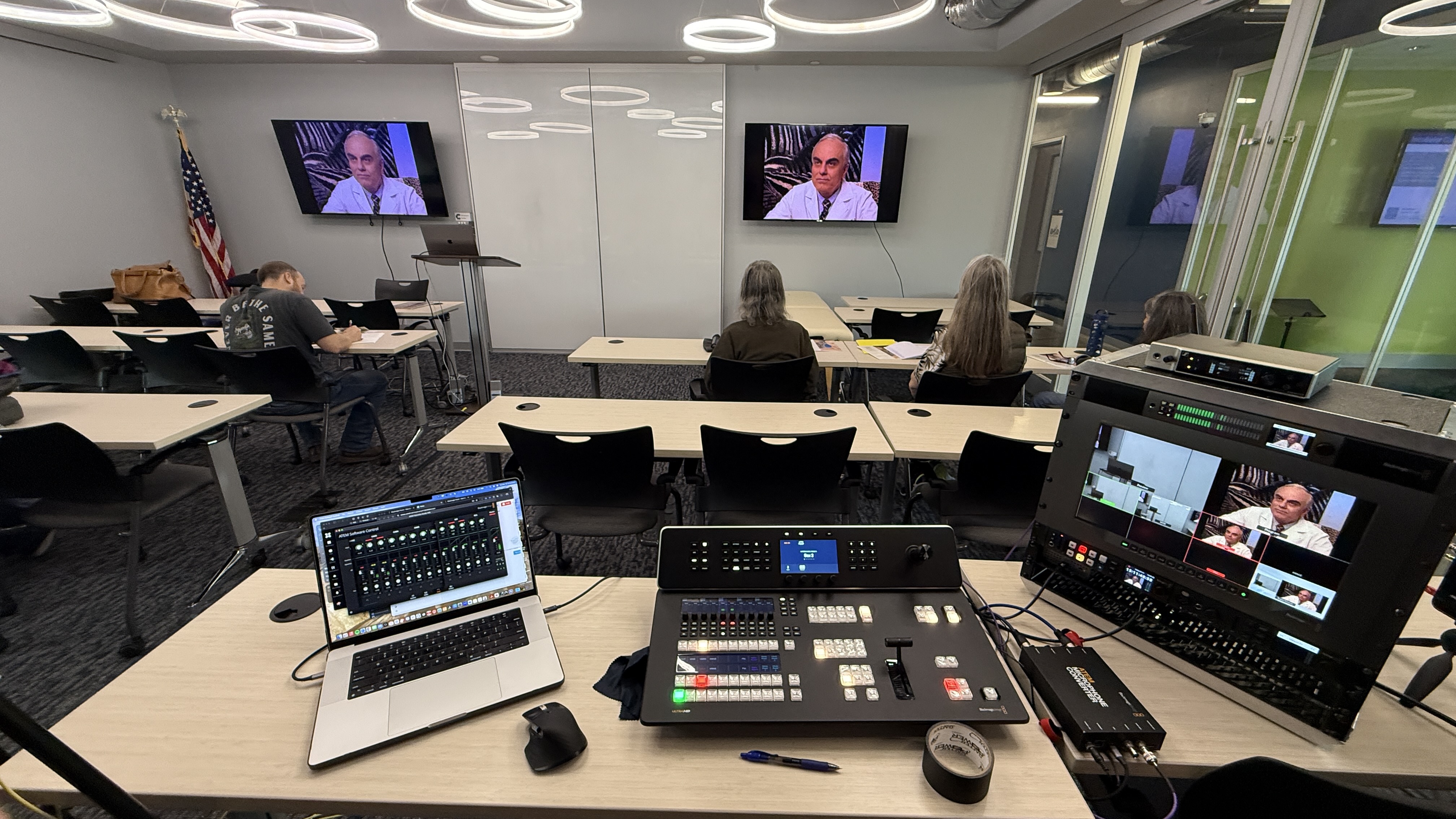
Real production builds redundancy into the parts that matter. A second internet path, as covered above. A switcher feeding the stream so a single camera glitch doesn't take you to a black screen. A recording running locally the entire time, so even in a worst case you walk away with clean footage. None of this is exotic — a Blackmagic ATEM switcher and a backup encoder aren't expensive in the scheme of an event. What's expensive is not having them when you need them. This is also why I'm honest that real production has a floor: the gear and the second set of hands exist specifically for the day something breaks. I get into the why behind that in my live stream company vs. DIY breakdown.
The most common silent failure is that the people running the event are too busy running the event to watch what the remote audience is actually seeing. The stream froze ten minutes ago. The on-site team has no idea, because they're focused on the room. The first they hear of it is an angry email afterward.
On any stream that matters, somebody's entire job is to watch the output — the actual encoded feed the audience receives, not the camera preview — monitoring stream health, audio levels, and the public player the whole time. That's not a luxury role, it's the role. It's the reason I push back when a client tries to trim crew down to one person on a high-stakes event: not because one skilled operator can't run the gear, but because nobody can simultaneously run a multi-camera show and reliably catch a streaming problem the second it starts. If you've ever wondered what you're really paying for when you see a two-person crew on a quote, that's a big piece of it. My post on what to expect when you hire a livestream company walks through how the day is actually staffed.
The root cause underneath most livestream failures is a budget decision made before the event was ever planned: the stream was treated as a cheap add-on instead of a real broadcast. When livestreaming is an afterthought, it gets afterthought internet, afterthought audio, and afterthought staffing — and then it fails like an afterthought.
I'm not saying every event needs a big production. I'm saying the cost of a stream should match the stakes of the moment it's capturing. A reliable single-operator corporate stream generally starts around $2,950 for a fully virtual setup, and there's a real reason it isn't cheaper: that number is buying redundancy and a second set of eyes, which is to say it's buying the event not failing. If the livestream is carrying your company's biggest moment of the quarter in front of customers or your entire workforce, that's not the place to find out what the discount version leaves out. The clearest way to think about it is in terms of return — I cover how to frame that in measuring live streaming ROI.
Strip all of this down and prevention comes to a short checklist you can hold any vendor to. It's not complicated, and the answers tell you almost everything about whether your stream will hold up.
Ask four questions before the event. First: what's our backup internet, and is it bonded cellular or just a hotspot somebody brought? Second: how is stream audio captured — a real board feed, or a camera mic? Third: what's redundant, and what's a single point of failure? Fourth: who is watching the actual output for the entire event, and is that their only job? A vendor who answers those crisply has thought about failure before it happens, which is the whole game. One who gets vague is going to be improvising when something breaks — and on a live broadcast, improvising is just failing more slowly. If you're at the stage of comparing those vendors, my guide to finding a live streaming company near you covers what else to look for.
Most corporate livestreams fail because of internet, audio, or lack of redundancy — not camera quality. The most common causes are venue WiFi that can't sustain the upload bandwidth a stream needs, audio that was never properly tested, single points of failure with no backup, and no one dedicated to monitoring the actual stream output during the event. Every one of these is preventable with proper planning and a real backup plan.
Unreliable venue internet is the number one cause. Hotel and conference-center WiFi is designed for general web use, not for pushing a continuous high-bitrate video signal for hours. The fix is redundancy — running a bonded cellular encoder like a LiveU alongside the hardwired connection, so the stream automatically stays up even if the building's internet fails.
For anything high-stakes, yes. A single internet connection is a single point of failure, and venue internet fails more often than people expect. A bonded encoder that combines a wired line with multiple cellular connections means the audience never sees an interruption if one path drops. It's the most important piece of insurance on a professional stream.
Every event is different, but a fully virtual single-operator corporate stream generally starts around $2,950, with multi-camera and hybrid events running higher. The reason a reliable stream isn't cheaper is that the price is buying redundancy, professional audio, and a dedicated person monitoring the output — exactly the things that prevent the failures cheaper setups run into.
For low-stakes, recurring, internal sessions, often yes. The trouble comes with high-stakes or hybrid events, where one person can't simultaneously run a multi-camera show and catch a streaming problem the instant it starts. The failures usually aren't a talent problem — they're a hands problem and a redundancy problem, which is exactly what a production partner brings.