Here's the short version: hybrid event production means running one event for two audiences at the same time — the people in the room and the people watching remotely — and giving both of them an experience that actually works. It takes a camera package, two separate audio mixes, a video switcher, a reliable streaming path, and a crew that knows how to serve both audiences at once. Done right, it roughly doubles your reach without doubling your budget. Done wrong, it quietly insults half your audience.
I've produced hybrid events across Dallas-Fort Worth and beyond for years — town halls, conferences, sales kickoffs, training sessions — and the pattern is always the same. The events that succeed treat the remote audience as a first-class citizen. The events that struggle treat the stream as an afterthought bolted onto an in-person meeting. This post walks through what hybrid production actually involves, so you know what you're buying and what questions to ask.
Hybrid event production is the planning, equipment, and crew required to run an in-person event and a live virtual broadcast as one unified show. It's not an in-person event with a webcam in the back — it's one production serving two audiences simultaneously.
The in-room audience needs what they've always needed: good sound, good sightlines, maybe screens with speaker close-ups. The remote audience needs something different — multiple camera angles, a clean audio mix built for headphones and laptop speakers, graphics that tell them who's talking, and a way to participate. Hybrid production is the discipline of delivering both from a single setup, without one audience subsidizing the other's experience.
If you want the definitional version, I've covered hybrid event best practices separately. This post is about what the production itself takes.
Hybrid isn't in-person plus virtual — it's a third thing that's harder than either. Every production decision now has two right answers, and the job is reconciling them in real time.
Take audio. The room mix and the stream mix are different animals. The room needs reinforcement tuned to the space; the stream needs a direct, compressed mix with no room echo. Send the room mix to the stream and remote viewers hear a muddy mess recorded from the back of a ballroom. That single mistake is probably the most common reason remote attendees bail early.
Or take pacing. An in-room audience will forgive a five-minute transition while people find seats. A remote audience watching a static wide shot for five minutes assumes the stream is broken and leaves. Hybrid production means managing both clocks at once — which is why most livestream failures trace back to planning gaps, not equipment.
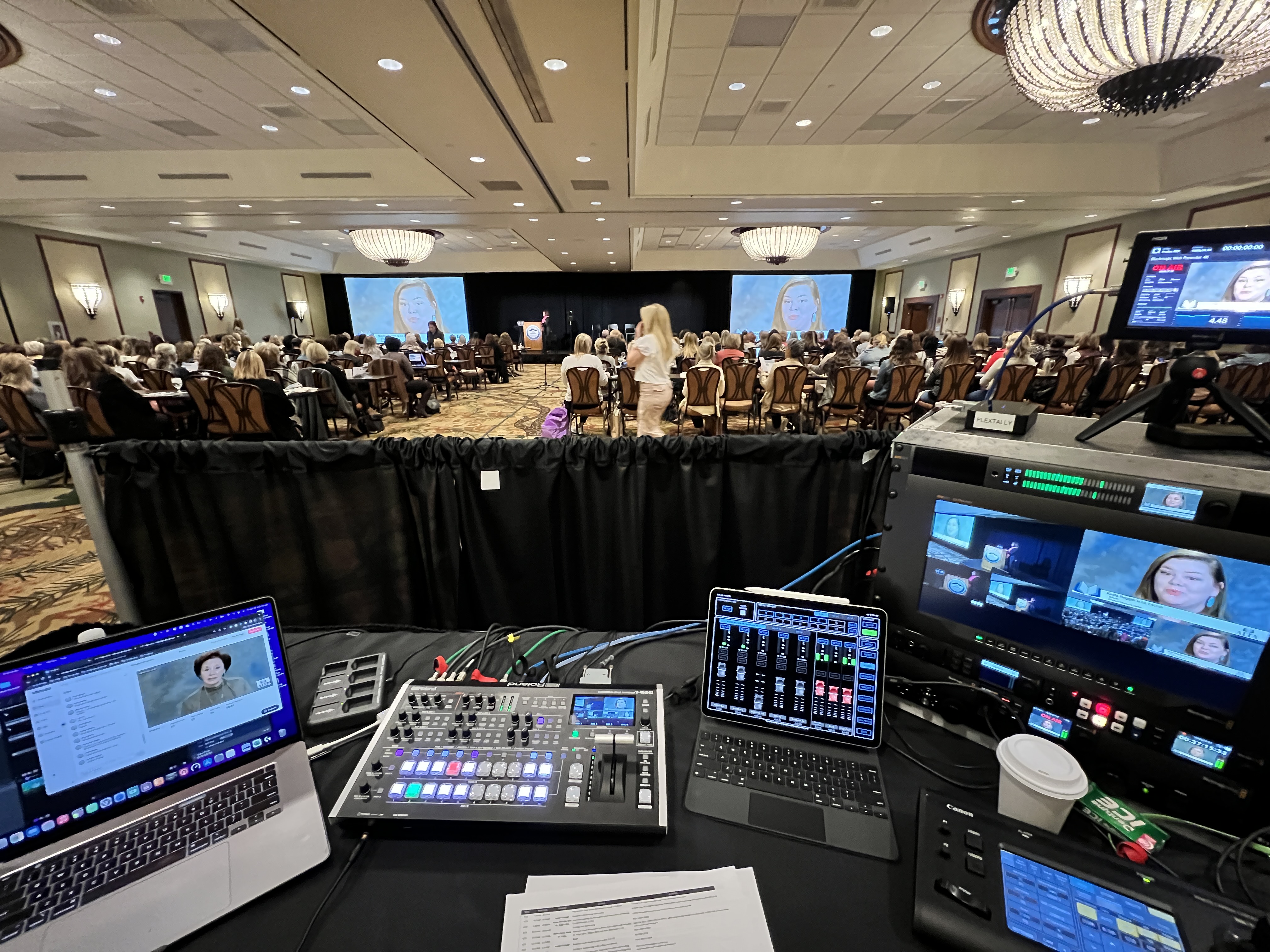
A real hybrid production has five core systems: cameras, audio, switching, streaming, and engagement. Each one has to work on its own and hand off cleanly to the others.
Cameras. Two is the practical minimum for hybrid — a wide shot and a close-up — because remote viewers need visual variety to stay engaged. We typically run Canon CR-N500 PTZ cameras, which let one operator control multiple angles remotely. Larger events add manned cameras for audience reactions and panel coverage. If you're weighing camera counts, I've broken down multi-camera live production in its own post.
Audio. Wireless mics for presenters (we run Sennheiser), a digital mixer like the Allen & Heath SQ5, and — this is the part that matters — separate mixes for the room and the stream.
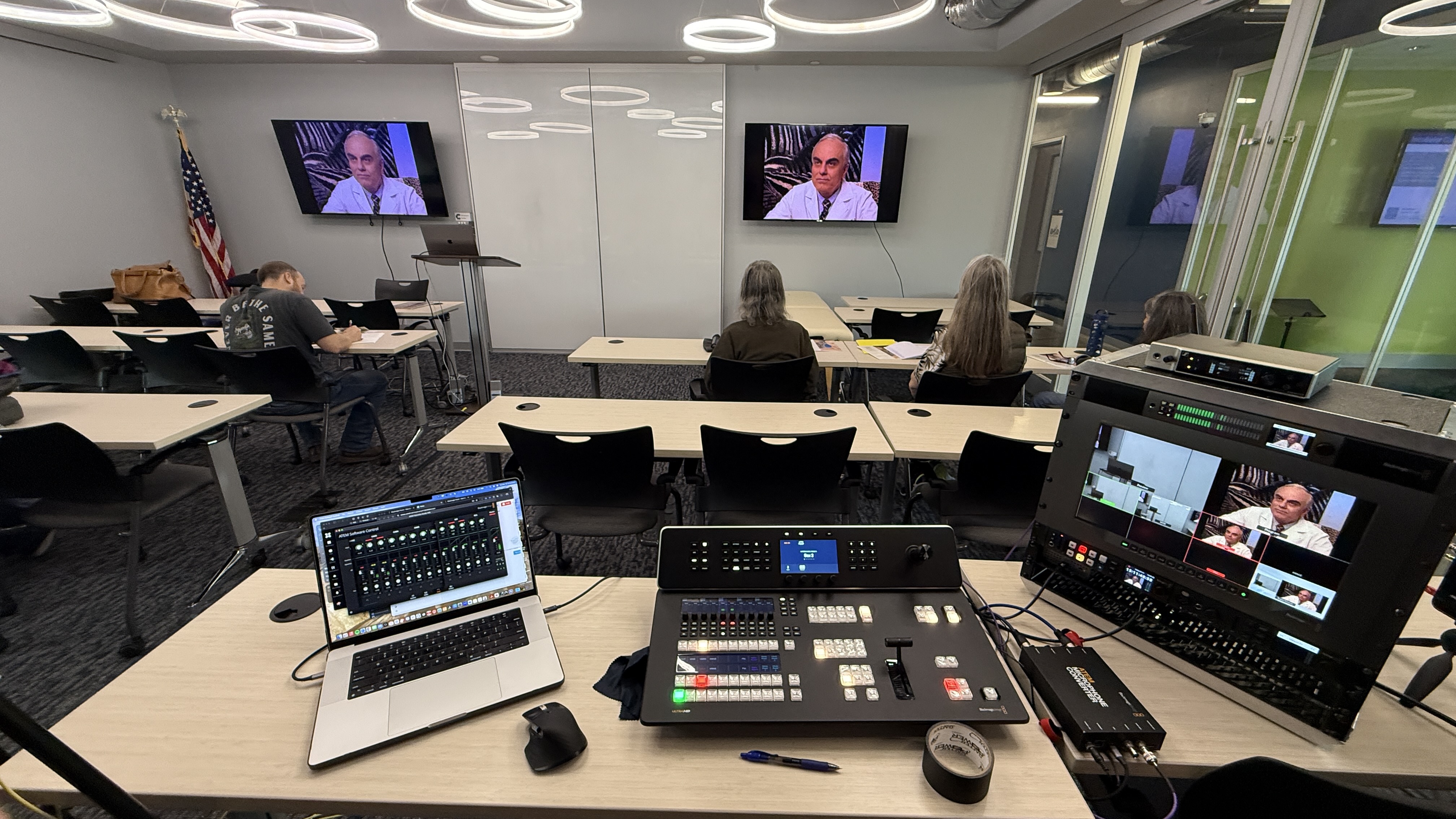
Switching. A video switcher, like a Blackmagic ATEM, cuts between cameras, presentation slides, and remote presenters, and adds lower-third graphics so viewers always know who's speaking.
Streaming. An encoder pushes the program feed to your platform — Zoom, Teams, YouTube, or a private portal. For venues with questionable internet, we add a LiveU Solo Pro, which bonds multiple cellular connections into a backup path.
Engagement. Q&A tools, polls, and a moderator who watches the chat so remote questions actually reach the stage.
That's the ten-thousand-foot view. If you want the line-by-line of what a vendor's package should cover, I've written up what hybrid event production services include in detail.
The hardest part of hybrid isn't technical — it's experience design. Every segment of your agenda needs an answer to the question: what is the remote audience doing right now?
Networking lunch? The room is having a great time; the stream is staring at empty chairs. Smart hybrid events program around this — they cut to pre-produced content, run a moderated remote discussion, or simply tell the stream when to come back. Breakout sessions, hands-on workshops, and audience Q&A all need the same treatment. Your production partner should be raising these questions in pre-production, not discovering them live. That's a good filter when you're comparing vendors, and it's why I tell people the planning conversation matters more than the gear list — something I cover in what to expect when you hire a livestream company.
Hybrid events need more hands than a straight livestream because someone has to own each audience. A skeleton hybrid crew is two people; a full conference production might run four or more.
At minimum you need a technical director cutting cameras and managing the stream, and an audio engineer owning both mixes. From there, crews scale up: camera operators for manned positions, a dedicated stream monitor watching the remote feed the way an audience member would, and a moderator handling virtual Q&A. One person cannot credibly run cameras, two audio mixes, a switcher, and remote chat at the same time — when a vendor quotes you a one-person hybrid crew for a stakes-matter event, that's a corner being cut.
For most corporate hybrid events, production generally lands in the $5,000–$15,000 range per event day, depending on camera count, crew size, and how complex the remote experience is. That typically covers planning, equipment, crew, and stream management as one package.
A simple two-camera hybrid town hall sits at the lower end. A multi-camera conference with remote presenters, IMAG screens, and full engagement support pushes toward the upper end. Multi-day conferences generally run $11,000–$30,000+, and a dedicated setup-and-testing day — which I strongly recommend for anything with executives on stage — typically adds $2,250–$3,750. I've published a full breakdown of what it costs to livestream an event if you want to see how the numbers move.
One budgeting note: hybrid costs more than streaming-only, but it's rarely double, because the camera, audio, and switching infrastructure serves both audiences at once. You're paying for added crew and complexity, not a second production.
Good hybrid production starts four to eight weeks out, not the week of the event. The lead time isn't about gear — it's about the planning that makes the two-audience problem go away.
Here's the typical arc. First, a scoping call: audience sizes, venue, platform, agenda. Then a venue walkthrough or floor-plan review, and — critically — an internet assessment, because hotel Wi-Fi promises are not a streaming plan. In the final two weeks: a run of show, graphics prep, and platform setup. The day before or morning of: load-in, cabling, and a full rehearsal with real mics and the real stream path. Presenters who've done a tech check are visibly calmer on camera, and streams that have been rehearsed almost never surprise you.
Nearly every hybrid failure I've been called in after traces to the same three roots: the stream was an afterthought, the audio wasn't split, or nobody rehearsed. All three are planning failures, not technology failures.
The afterthought problem shows up as a single camera at the back of the room and a remote audience that gives up after twenty minutes. The audio problem shows up as echoey, unintelligible sound that no camera work can rescue. The rehearsal problem shows up as dead air, missed slides, and presenters talking to the wrong screen. If you're evaluating whether your event needs professional production at all, I'd start with whether any of those three failure modes would actually cost you something — reach, credibility, or a message that mattered. If your event is local to North Texas, here's how we approach hybrid event production in Dallas specifically.
If you're planning a hybrid event and want a straight answer on what it would take — camera count, crew, budget range, the whole picture — grab 20 minutes with me. No pitch, just a planning conversation.
It's the planning, equipment, and crew required to run an in-person event and a live virtual broadcast as one production. That means cameras, separate audio mixes for the room and the stream, video switching, stream management, and tools that let remote attendees participate — all serving two audiences simultaneously.
Most corporate hybrid events generally land between $5,000 and $15,000 per event day, depending on cameras, crew, and complexity. Multi-day conferences typically run $11,000–$30,000+. Simple streaming-only formats start lower — full-virtual production starts around $2,950.
Two is the practical minimum — a wide shot and a speaker close-up — because remote viewers need visual variety to stay engaged. Panels, awards, and larger conferences usually justify three or more, including manned cameras for audience and stage coverage.
A livestream broadcasts your event to remote viewers. A hybrid event treats those viewers as participants — with dedicated camera coverage, a stream-specific audio mix, Q&A and polling, and an agenda designed with them in mind. The production is built for two audiences, not one audience plus a camera.
Four to eight weeks is the comfortable window for most corporate hybrid events. That leaves time for a venue walkthrough, internet testing, run-of-show planning, and rehearsal. Bigger conferences book further out; we can move faster when needed, but planning time is what prevents day-of surprises.
Maybe — and 'maybe' isn't a plan. We test venue bandwidth during pre-production and always carry a backup path, typically a bonded cellular encoder, so the stream survives even if house internet fails mid-event.
Good hybrid events plan those gaps deliberately: pre-produced content, a moderated remote discussion, sponsor segments, or a clear on-screen return time. What you don't want is a live shot of an empty stage — that's how you lose the remote audience for good.
Yes, routinely. We bring remote presenters into the switcher so they appear on the in-room screens and in the stream, with their audio fed cleanly to both mixes. It needs a tech check in advance — but that's exactly what rehearsal is for.