If you have ever sat through a livestream that felt like a security-camera feed — one locked-off wide shot for a solid hour — you already understand the problem multi-camera production solves. A single static angle is fine for a quick internal video. For a corporate event where your brand is on the screen and people are judging it, it quietly works against you. Multiple cameras and live switching are what make the difference between a broadcast people actually watch and one they click away from.
Here is the short version. Multi-camera production buys you three things a single camera can't: it keeps remote viewers watching, it captures the moments that matter instead of missing them, and it leaves you with real content to use afterward. And the cost isn't what most people assume — adding cameras doesn't mean adding a person behind each one. I'll walk through what multi-camera actually does for your event, when you need it, and when a single camera is genuinely fine.
The single thing multi-camera production changes is attention. When a viewer at home has something to watch — a cut to the speaker, a wide of the room, a shot of the slides — they stay. When they're staring at one unmoving frame, they start checking their phone, and remote audiences are quick to drift the moment a stream feels static.
This is the same reason every show you watch on TV or YouTube cuts between angles. The motion isn't decoration; it's what holds people. A speaker can be excellent and still lose a remote audience to a frozen wide shot, because the format itself signals "this isn't really produced." Multi-camera switching makes your event read as a real broadcast, which is most of what people mean when they say a stream "looked professional." If you want the bigger picture of what separates a polished stream from a cheap one, I cover it in why corporate livestreams fail.
Strip away the gear talk and multi-camera production earns its place on a quote in three concrete ways. These are the things you're actually paying for, and they're worth more than any spec sheet.
First, engagement. Cutting between angles keeps energy up across a long program, so your remote audience stays to the end instead of leaving at the twenty-minute mark. Second, the moments that matter. With one camera you can't show a reaction, cut to a second presenter, or catch the room during applause — those moments simply don't exist on the recording. With multiple angles, whoever is switching can capture each one as it happens. Third, content afterward. A single locked angle gives an editor almost nothing to work with. Multiple angles give you a recording that becomes highlight clips, speaker reels, and social cuts for months. One event can produce a whole library of video. That last point feeds directly into how you should measure the ROI of a livestream — the production keeps paying off long after the event ends.
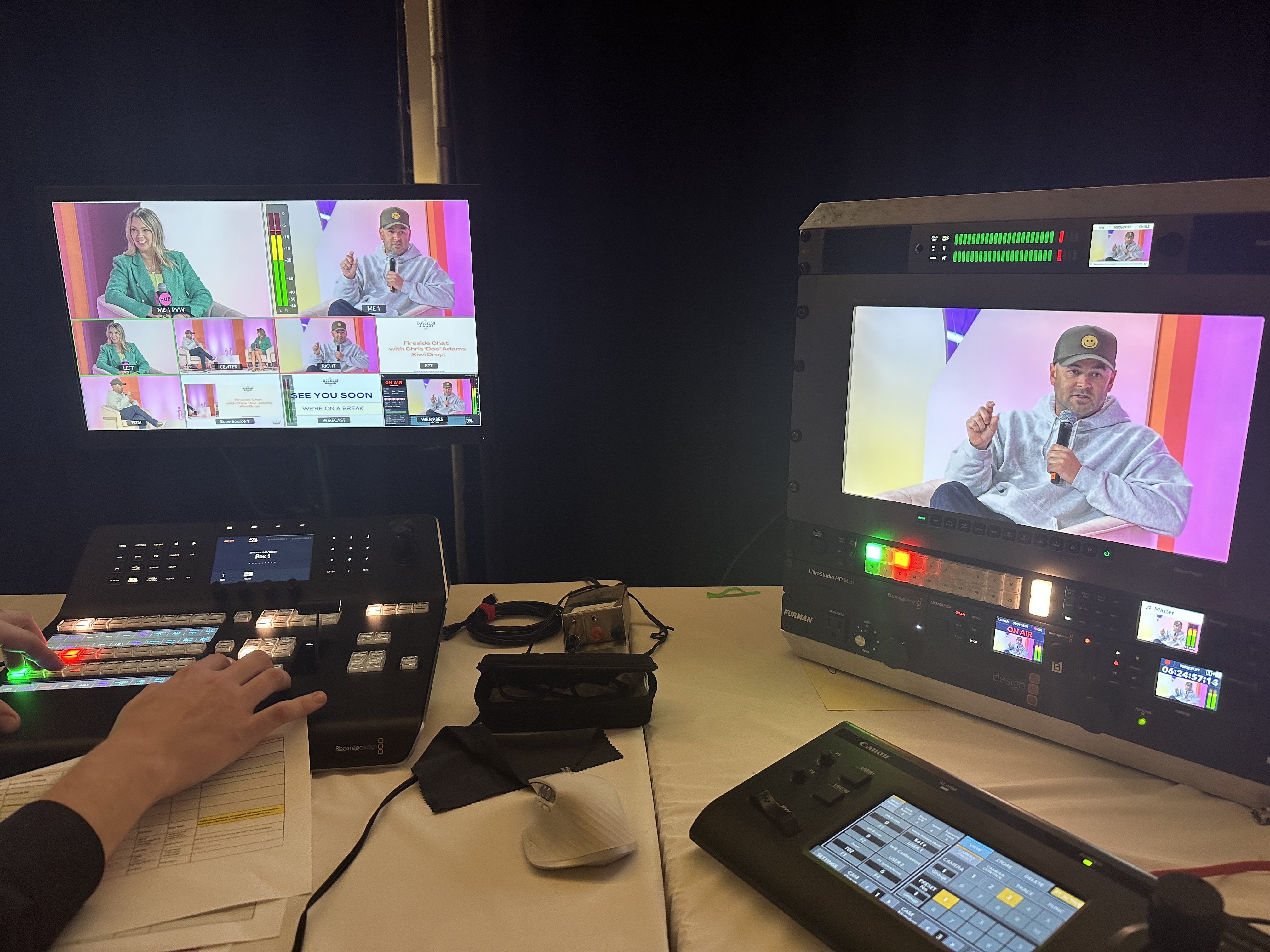
Here's the part most people get backwards: the value of multi-camera production isn't the cameras, it's the person cutting between them in real time. Three cameras sitting on tripods do nothing on their own. What makes the show is someone at the switcher who knows the rhythm of a live event and cuts to the right angle a beat before the moment happens.
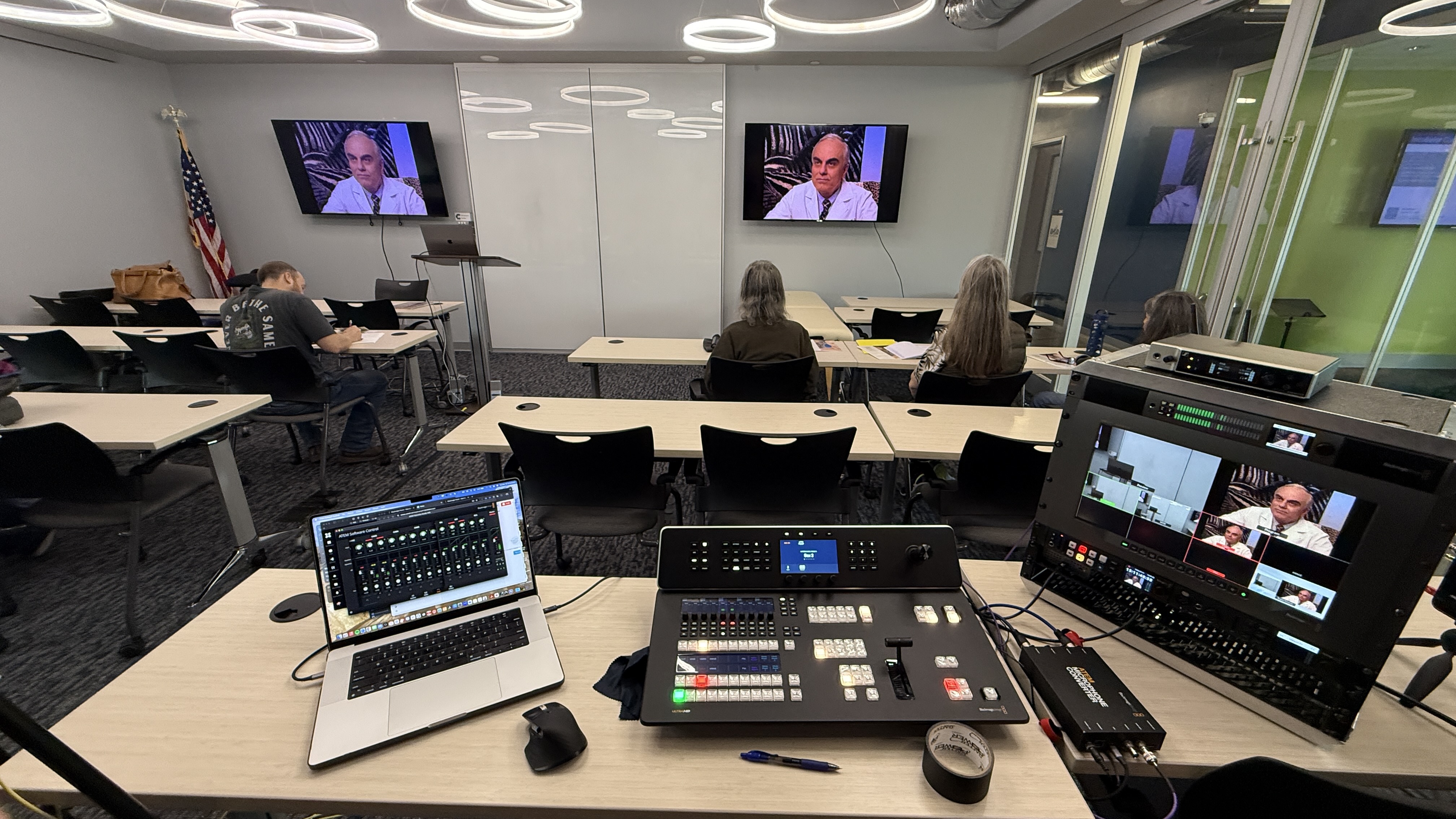
Good switching is invisible. Your audience should never notice a single cut — they should just feel like the show looks great. That's a skill, not a setting, and it's why this isn't something you point and walk away from. It also clears up a common worry about cost: because we run PTZ cameras that one operator controls from the switcher, adding cameras doesn't mean adding a body behind each one. More angles give you a more dynamic show without multiplying the crew. If you want to see exactly how the crew and gear show up on a quote, I broke down the line items in what's included in a corporate livestream package.
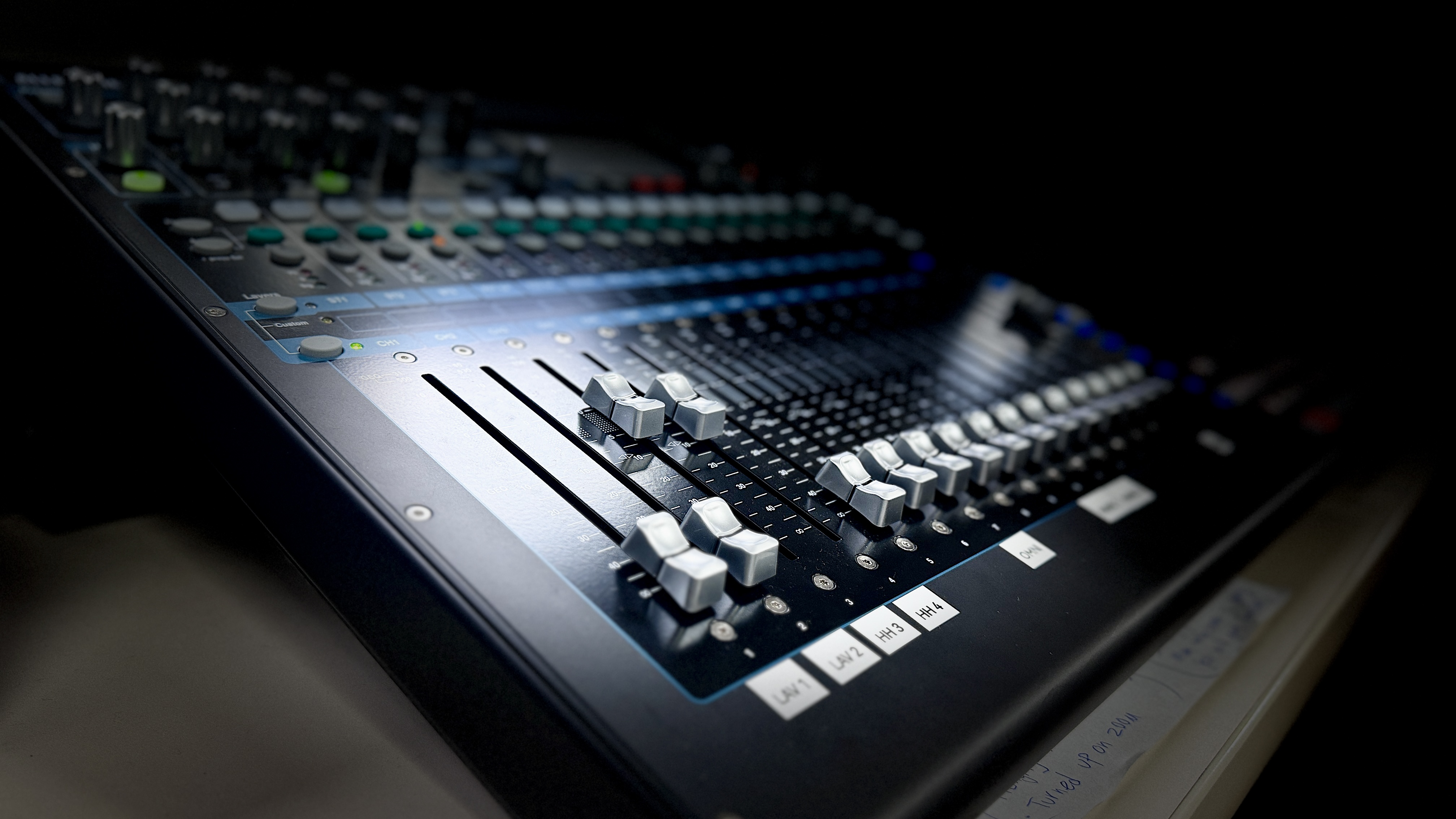
Here's the thing people don't expect: the fastest way to lose a viewer isn't a mediocre camera shot, it's bad audio. An audience will forgive a slightly soft angle. They will not strain to hear, and they'll leave faster for muddy sound than for almost anything else on the screen.
So on a multi-camera show, the audio has to match the production value of the picture — every presenter on their own mic, levels managed live so nobody gets buried, and the whole chain tested hours before you go live. The beautiful angles don't matter if the sound is rough. It's a big enough deal that I gave it its own post: getting your livestream audio right.
Not every event needs multiple cameras, and a good partner will tell you that. The honest test is the stakes and the length of the program, not a hard rule about audience size.
A single camera is genuinely fine for a short, internal, low-stakes session — a quick team update or a recurring training where nobody expects broadcast polish. Multi-camera earns its keep when the program runs long enough that a static shot gets tiring, when the audience is external or executive-facing, or when you want usable content out of the day. Conferences, customer-facing launches, town halls, panels, and anything you'll repurpose afterward are where the extra angles clearly pay for themselves. If you're weighing the spend against the outcome, my breakdown of what it costs to livestream an event lays out where multi-camera lands.
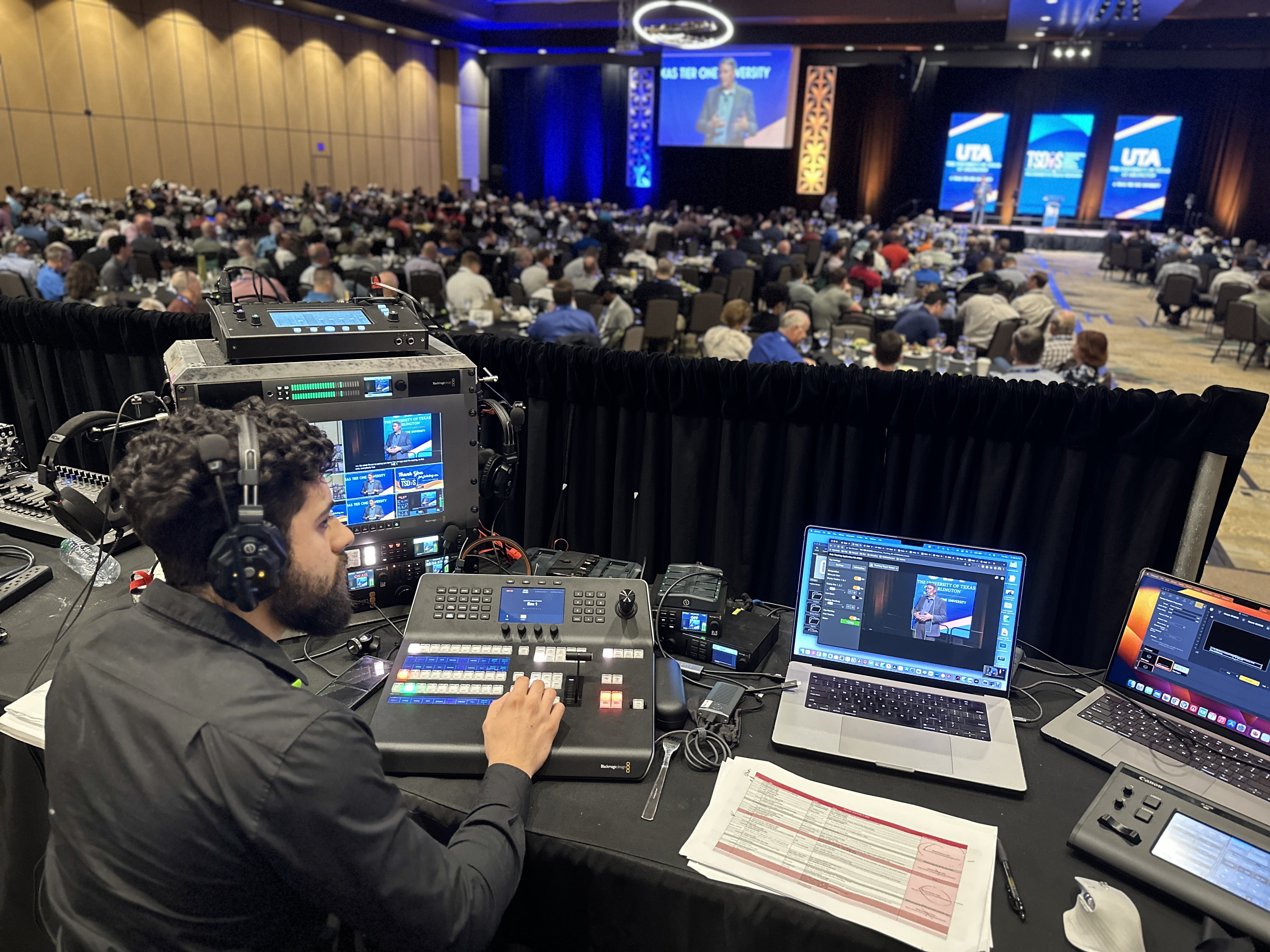
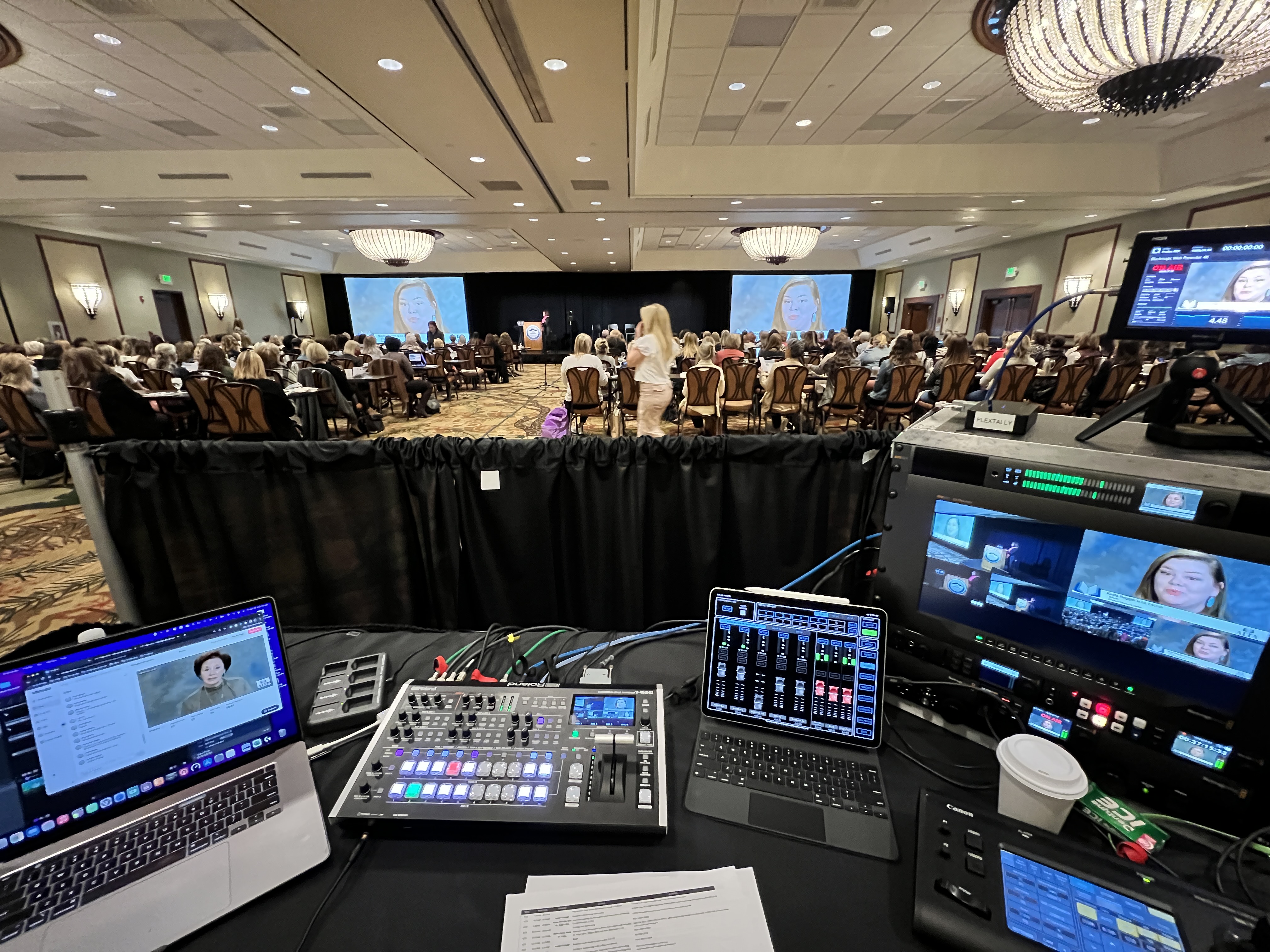
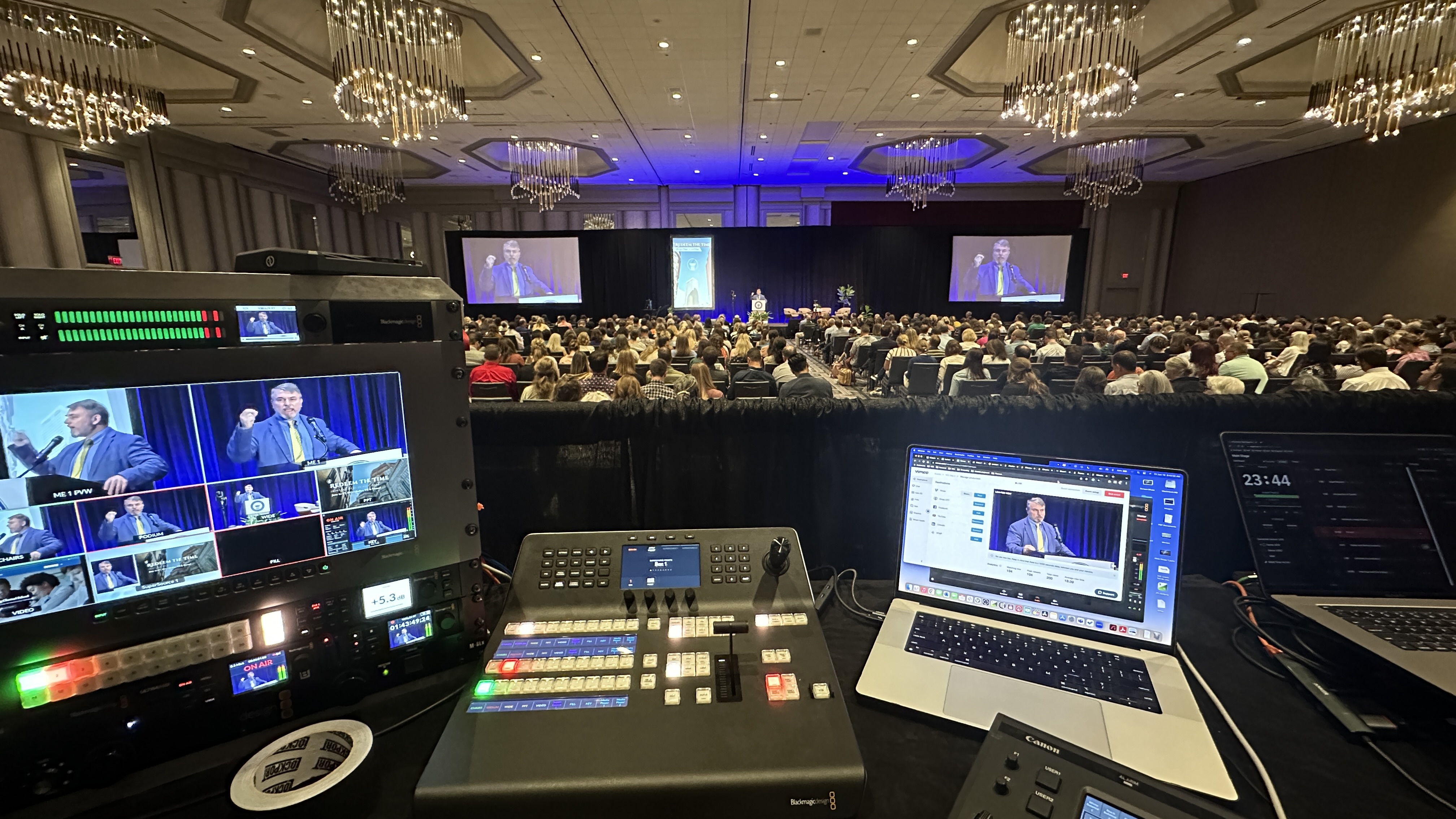
A few examples make it concrete. One of our longest-running multi-camera shows is a large annual education conference at the Gaylord Texan in Grapevine — more than 1,500 people watching in the room and online. We run PTZ cameras on two separate switchers, one feeding the livestream and one driving the in-room screens, with full audio, graphics, lower thirds, and a recording of every session. We've produced it for five years running and they've booked us for year six. The constant switching is what keeps a multi-day program watchable, and the recordings give them a whole series of videos to share afterward.
A multi-day professional-association conference in Frisco was a different shape: a main general session plus three breakout rooms, each with its own private stream. The main room ran our full multi-camera switching setup; the breakout rooms ran leaner single-camera setups with slide integration. After the event we delivered every session trimmed and ready to upload. And a logistics company flew us to Washington, DC for a corporate town hall with remote guests joining from around the world — the switching between in-room cameras and remote feeds had to be seamless, and the feedback was that it felt like watching a professional talk show. That's the bar multi-camera production sets when the cameras, switching, audio, and the people running them all line up.
The part that's easy to overlook is what happens after the live show ends. A multi-camera recording isn't just an archive — it's raw material. Because you captured multiple angles, an editor can build highlight reels, individual speaker clips, a recap series, and social cuts from a single day of shooting.
We deliver the full produced recording for on-demand viewing — password-protected if you need it — and the multi-angle footage becomes a content pipeline for your brand for months afterward. That's a real part of the value: you're not just streaming an event, you're generating a season's worth of video from it. When you book a multi-camera shoot, it's worth deciding up front what you want out of that footage so it's captured with the edit in mind. My guide to what to expect when you hire a livestream company walks through how that conversation goes.
Multi-camera live production uses several cameras covering different angles — typically a wide shot of the stage, a tight shot on the speaker, and a shot of slides or a second presenter — cut together live by an operator at a video switcher. The result looks like a real broadcast rather than a single static webcam feed, which is what keeps remote audiences watching.
Less than people expect. The biggest cost driver is crew, not the number of cameras, and because professional PTZ cameras are controlled from the switcher, one operator can run several angles without a person behind each camera. You get a far more dynamic, watchable show without multiplying the crew. The bigger jumps in cost come from added rooms, hours, and complexity, not from a second or third camera.
Most professional corporate streams run with at least three angles: a wide, a tight on the speaker, and a feed of the slides or a second presenter. Larger or multi-room events scale up from there. A single camera can be fine for short, internal, low-stakes sessions, but for anything external-facing, long-running, or that you plan to repurpose, multiple angles clearly pay off.
Because cutting between angles is exactly what TV and professional video do, and audiences are trained to read that motion as "produced." A single unchanging shot signals an amateur setup no matter how good the speaker is. Active switching keeps energy up, captures reactions and key moments, and makes your event read as a real broadcast.
Yes — that's one of the biggest benefits. Capturing multiple angles gives an editor the material to build highlight reels, individual speaker clips, a recap series, and social media cuts from a single event. One day of shooting can generate a library of video you use across your channels for months.