Somebody already picked your platform. IT standardized on Microsoft Teams, marketing bought ON24, or Zoom was simply there before anyone thought about it. Then someone asks for a webinar that looks like a broadcast instead of a conference call, and the question lands on your desk: can we even do that with what we have?
Here's the short version. The platform changes the plumbing, not the show. Cameras, lighting, audio, graphics, presenter prep and a producer running cues live — none of that changes based on the logo in the corner of the screen. What changes is how a produced feed gets into the platform, and whether your license allows it at all. Zoom takes our feed as a camera. Teams and ON24 take it as an encoder stream. That one difference decides how much control you have over what your audience actually sees, and it's worth settling before anyone builds a run of show around it.
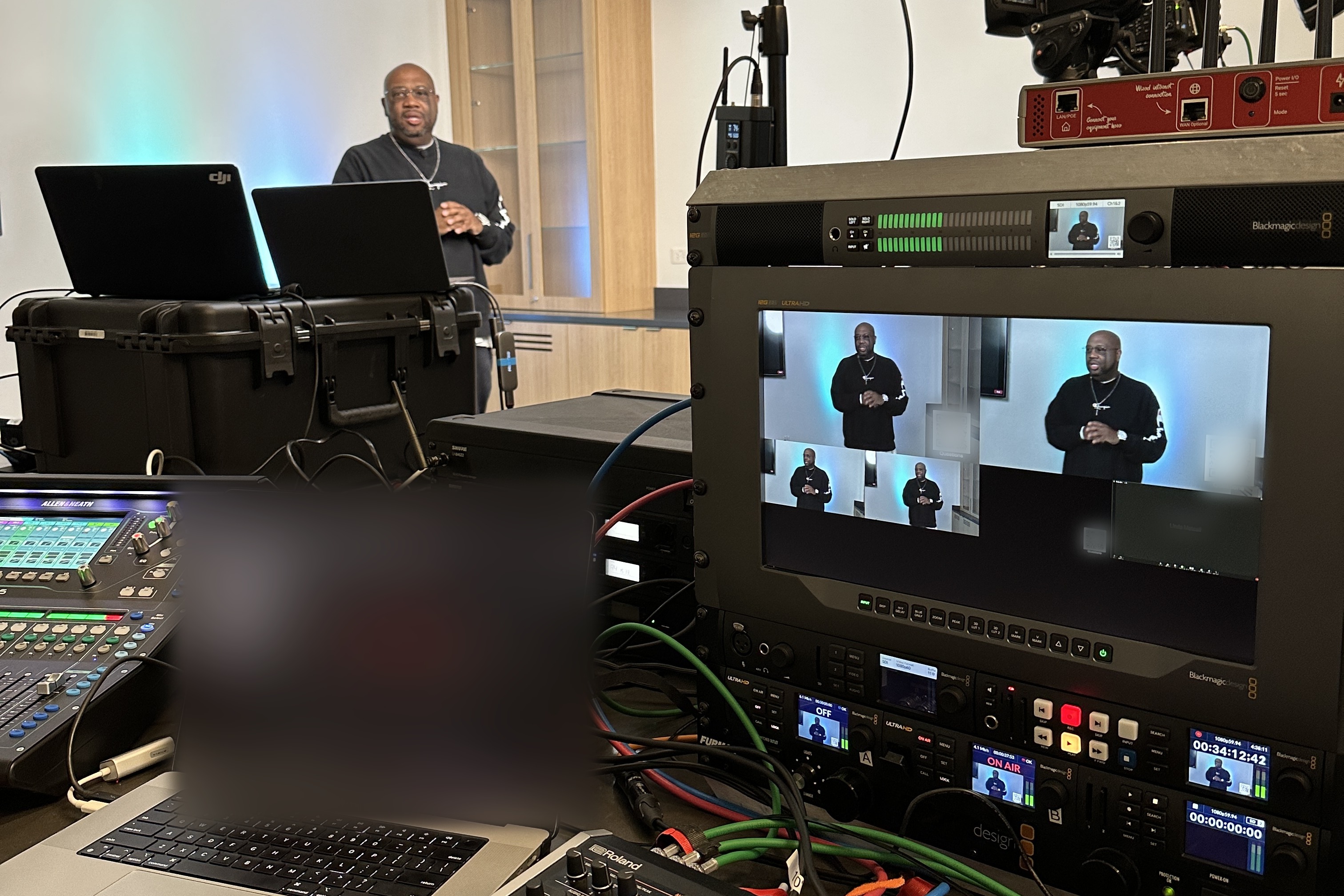
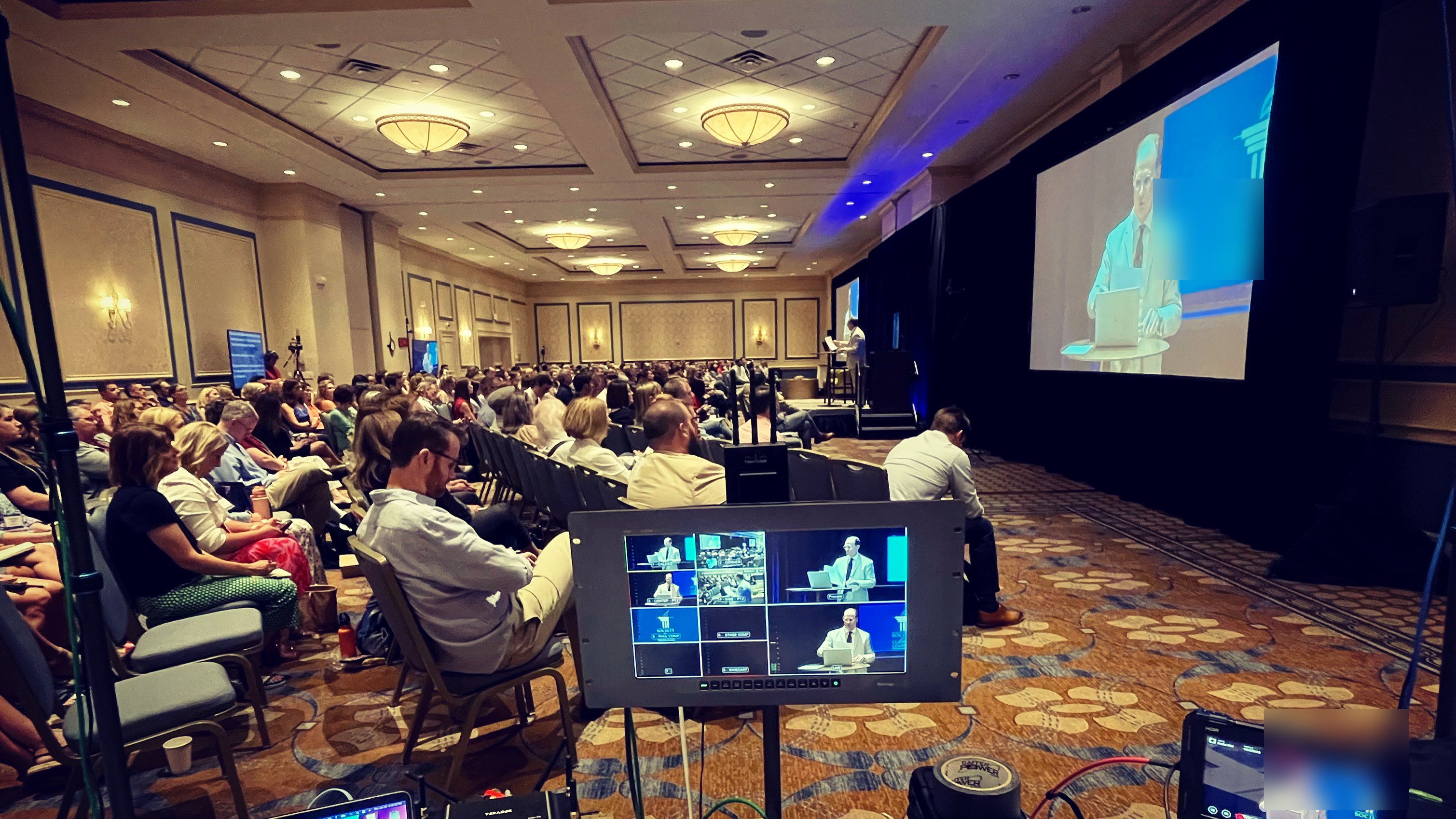
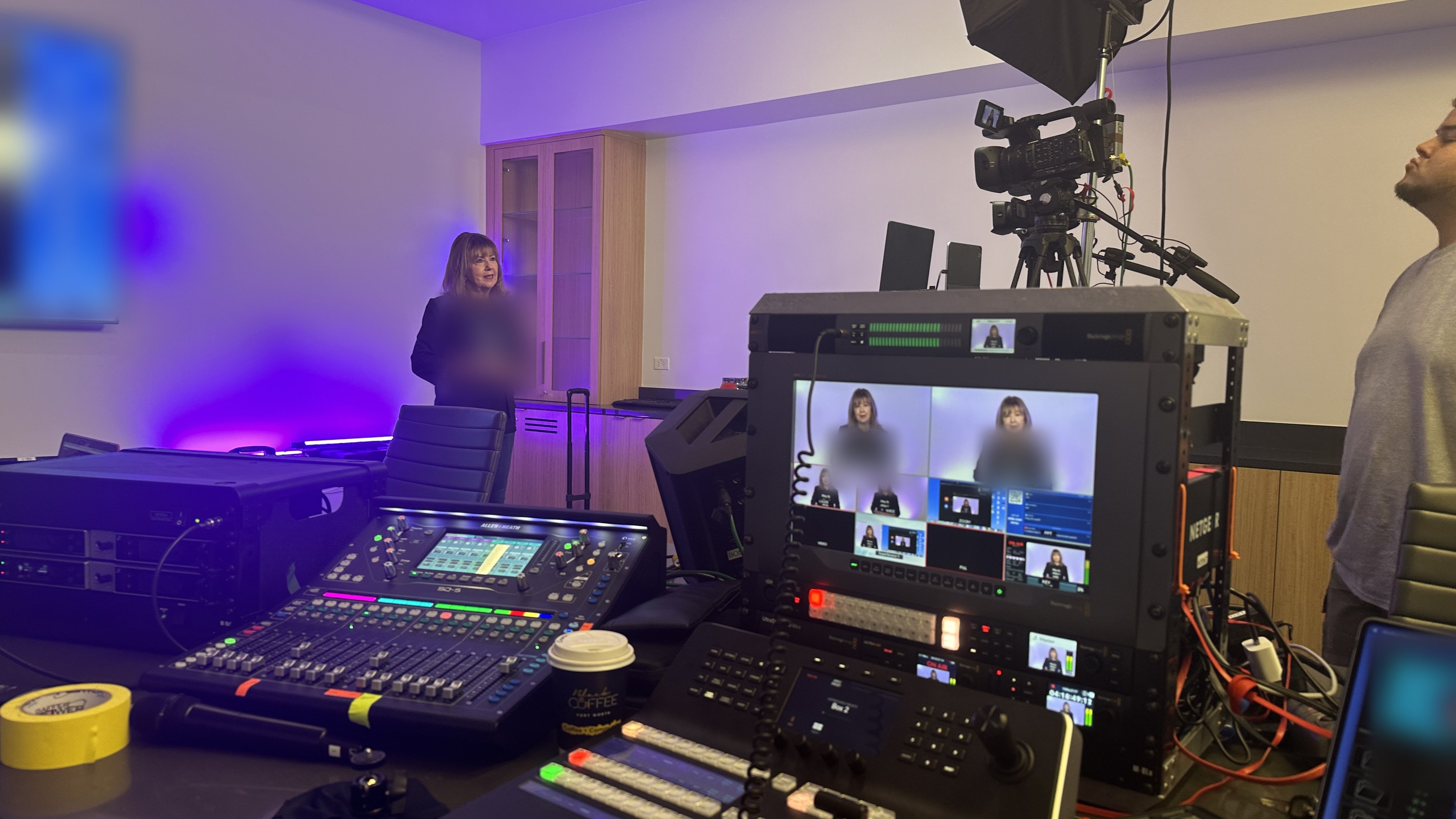
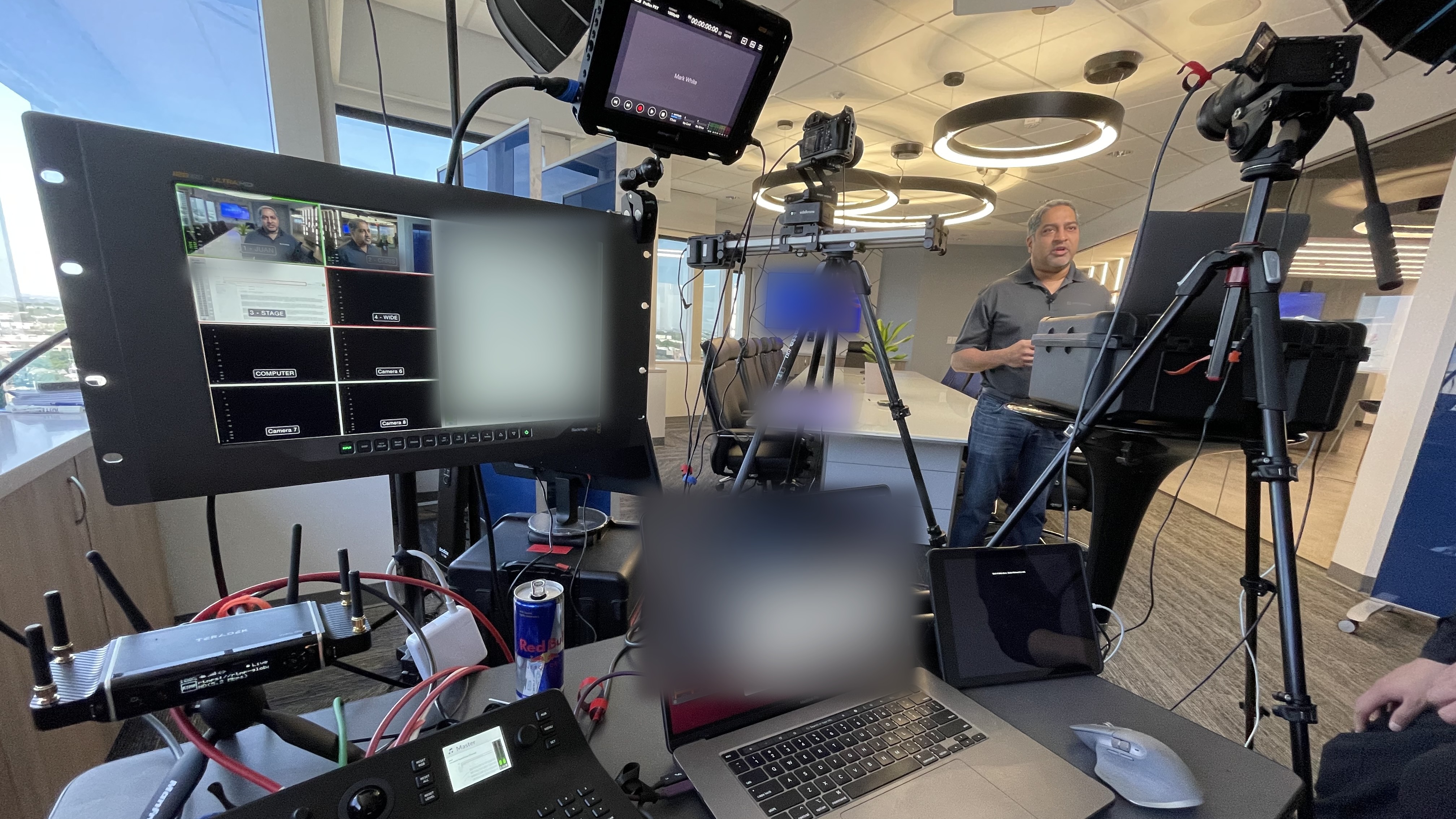
Most of what makes a webinar look professional happens before the signal ever reaches the platform. The production layer is platform-agnostic — it sits in front of Zoom, Teams, ON24 or a plain RTMP destination and behaves the same way.
That layer is the branded show package, the lower thirds and speaker titles, the slide and video playback, the presenter readiness work we do before show day, the run of show everyone agrees to, and a producer watching the program in real time so your presenters don't have to. If you want the full picture of what that role covers, we broke it down in what a webinar producer actually does, and the whole service is laid out in our guide to webinar production services.
So when someone tells you a webinar looked bad because "we were on Zoom," that's usually not the real reason. It's more often that nobody built the production layer at all.
Zoom doesn't take an external encoder feed into a webinar. Our production output joins the session as a video source on a machine signed in as a panelist, which means Zoom's own layout engine gets the final say on how your audience sees it.
In practice that has two consequences worth knowing. First, there's no one-click way to put a produced feed full-screen for the audience — producers generally route it through screen share as a secondary camera so the program fills the frame instead of sitting in a speaker tile. Second, high-definition video for webinars and for attendees is tied to your account and license, and on some accounts it has to be switched on by Zoom before you get 720p or 1080p. That's a support ticket, not a settings toggle, so it's worth asking early rather than discovering it at the rehearsal.
Where Zoom wins is friction. Everyone already has it, attendees know how to join, and registration, Q&A and polling are built in. For a recurring internal program or a town hall where interaction matters more than gloss, that's a fair trade. We wrote about running that format well in our post on Zoom town hall meetings.
Teams can accept a finished production feed directly, but only if your tenant is licensed and configured for it. Microsoft delivers this as RTMP-In, a Teams Premium feature, and for town halls specifically the RTMP-In meeting option has to be turned on so the event generates an RTMP or RTMPS URL and stream key the producer can use.
A few things follow from that. Your Teams admin controls who can use RTMP-In through meeting policies, so the person who can enable it probably isn't the person organizing the webinar. The incoming feed has to meet Microsoft's published requirements — H.264 video, constant bitrate, 29.97 or 30 frames per second, square pixel aspect ratio — which is what our encoder is set to anyway, but it's a good sanity check on any vendor's answer. Teams also supports SRT as an inbound protocol alongside RTMP, with a backup stream and automatic failover, which matters on programs that genuinely cannot drop. Microsoft documents all of this in its RTMP-In admin guide.
The buyer takeaway is simple: this is an IT ticket, not something anyone flips the morning of the event. Ask the question two weeks out. If the answer is no, we're not stuck — we join as a presenter and send the production feed as a camera, the same way we would on Zoom. You just give up some control over the final frame.
ON24 is built the opposite way from Zoom: it expects to be fed by an external encoder. Its broadcast video path takes an RTMP or RTMPS stream from production software such as OBS, Wirecast or vMix, which is exactly what a produced webinar already is.
ON24's own documentation describes a feed in the neighborhood of 1 to 1.5 Mbps pushed to its ingest servers, and it supports A and B inputs so a failed encoder or CDN doesn't take the event down with it. Their broadcast video encoding guide spells out the requirements, and there's a real network side to it — allowlisting, a test stream, and a conversation with their support team before the first live show.
The trade is control for complexity. Platforms in this category give you the most production control and the engagement console and audience data your marketing team probably bought them for. They also have the most moving parts, which is exactly why you don't want your first encoder-fed event to be the one with the CEO on it. We produce into the platform your organization already owns — if it accepts an encoder feed or a camera, it's workable. Ask before assuming either way.
There's one question that resolves most of this: does our license accept an external video feed, and who has to turn it on? Everything else follows from the answer.
When you take that to IT, ask for the license tier you're actually on, the name of the admin who controls meeting or event policy, the accepted format and bitrate for an incoming feed, whether a redundant or backup input is available, who owns the account and starts the broadcast, and where the recording lands afterward. That's a five-minute email that saves a bad week. If you're still deciding between platforms rather than working with one you've been handed, our guide to choosing a streaming platform for a corporate event walks through the decision itself.
Almost every platform-related failure we see traces back to a question nobody asked in time. The cost usually isn't a dead stream — it's a program that goes out looking noticeably worse than what you paid for.
The usual suspects: discovering on show day that RTMP-in isn't licensed, so a multi-camera build gets delivered through a webcam slot. High definition never enabled on the account, so a carefully lit program arrives soft. A single ingest path with no backup on a program that can't fail. A run of show built around Q&A moderation or breakout behavior the platform doesn't actually support. And expecting your production vendor to own registration and audience data — we don't, deliberately, because your attendee list belongs in your systems, not ours. If you want the longer list of ways these programs go sideways, we catalogued it in why corporate livestreams fail.
Our pricing doesn't change based on your platform. A single produced webinar is $1,595 for up to 90 minutes live with up to four remote presenters, and that covers planning, presenter readiness, custom branded graphics, live switching and direction, and the finished recording.
For programs that repeat, a monthly webinar program runs $1,095/month for one produced webinar a month, and a series is $1,995/month for two. Both start with a three-month minimum and then continue month to month, which exists so the show package and workflow get built once instead of every time. Content clips are $295 per event if you want vertical highlights for LinkedIn afterward. Anything longer than 90 minutes gets quoted on duration, presenter count and complexity, and multi-session or multi-track programs are scoped by proposal before you book. The full breakdown lives on our webinar production page, and if you're comparing this against in-person event budgets, our livestream cost guide covers that side.
What the platform can change is preparation time. A first encoder-fed event on Teams or ON24 usually earns an extra technical check with your IT team, which we build into the schedule rather than the invoice.
If you're staring at a platform you didn't choose and trying to figure out what's actually possible on it, grab 20 minutes with me. Bring your license details or don't — I can usually tell you in the first ten minutes whether you're looking at an encoder feed, a camera join, or a conversation with your admin first.
Yes, and most of our clients are on Zoom or Teams. The production feed joins as a video source rather than an encoder stream, so Zoom controls the final layout, but everything else — graphics, playback, switching, presenter prep, live direction — works exactly the same. It's the most common setup we run.
It can. Microsoft calls it RTMP-In and it's a Teams Premium feature; for town halls the RTMP-In meeting option also has to be enabled, which generates the RTMP or RTMPS URL and stream key. Your Teams admin controls access through meeting policy, so confirm it well before the event date.
Then we produce the same show and join as a presenter with the production feed coming in as a camera. The program still gets built, branded, switched and directed the same way — you just hand some control over the final on-screen layout to Teams. It's a real trade-off, not a dealbreaker.
ON24's broadcast video path is designed around an external encoder pushing RTMP or RTMPS, which is precisely what a produced webinar already is. Send us your account details and we'll confirm the ingest requirements and run a test stream with their support before we book anything live.
All else equal, the one that accepts an encoder feed. When the platform takes a finished 1080p program instead of rebuilding the layout on its own terms, what your audience sees is what we built. That's the whole difference between a produced webinar and a nicely decorated video call.
No, and that's on purpose. We produce the broadcast. Registration, your audience list, your CRM and your attendee data stay in the systems your organization already runs, which is also why the platform account stays yours.
Often, yes — it depends on what your platform and your bandwidth allow. We covered how simulcasting works and where it breaks in our post on streaming to multiple platforms at once.
Earlier than feels necessary. License changes and admin policy edits move at IT speed, not event speed, and a test stream on a new platform needs a real calendar slot. Our guide on how far in advance to book covers the rest of the timeline.