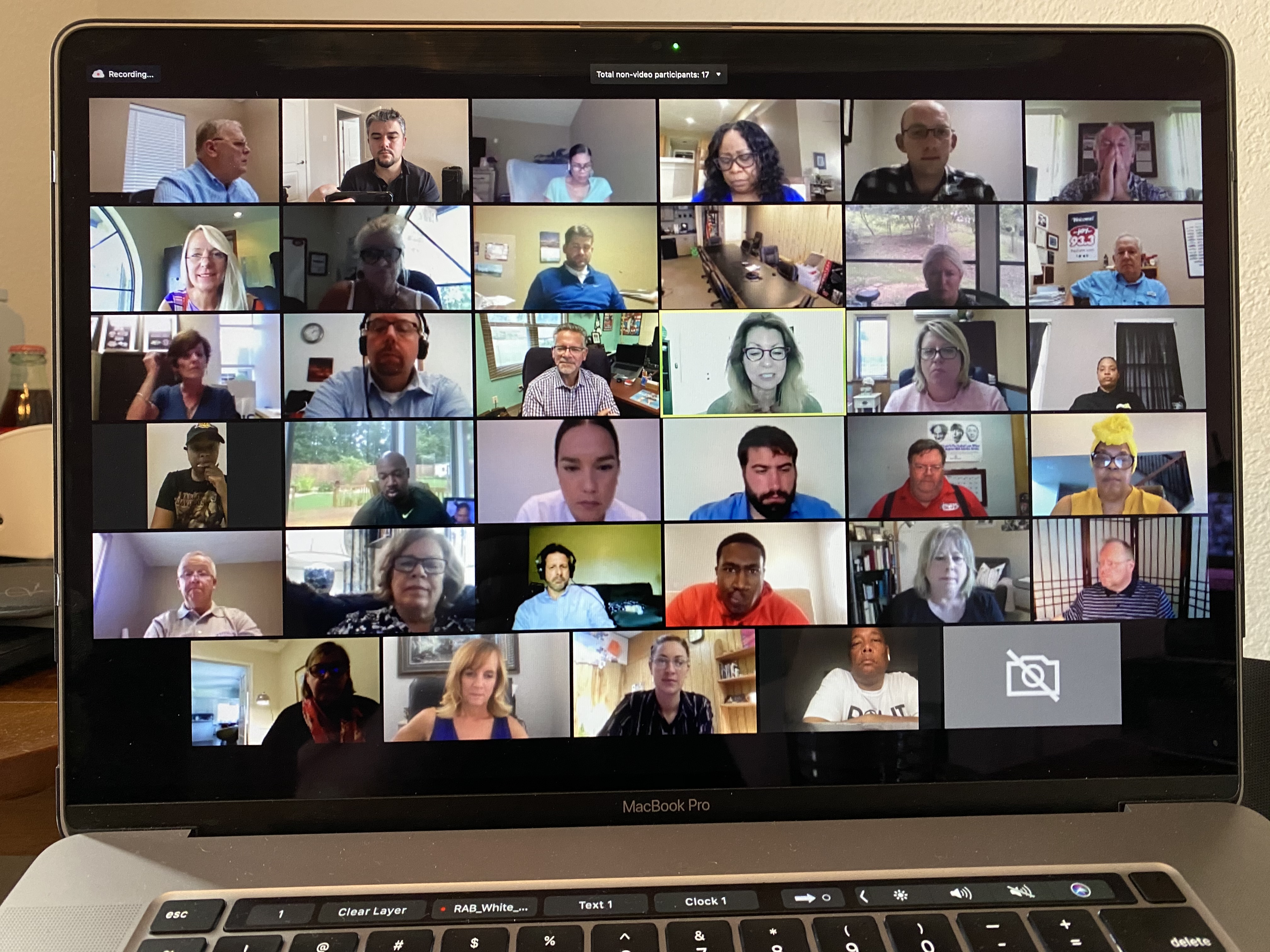
If someone in your company says “let’s stream the board meeting,” or “let’s send the all-hands out to our remote people,” and the thing you’re streaming isn’t meant for the public — this is a different job than a normal webcast. I get asked to handle these a lot: board and investor sessions, all-hands where leadership is sharing news that isn’t out yet, confidential internal training, sensitive HR announcements. The moment the audience is private, the whole game changes. It stops being “how many people can we reach” and becomes “how do I make sure only the right people see this, it doesn’t leak, and it doesn’t fall over in the middle of something sensitive.”
Here’s the short version of how I think about a secure, confidential stream. It comes down to three things working together: controlling who can watch, controlling what happens to the content and the recording, and making the feed reliable enough that it won’t drop during the worst possible sentence. A private link alone gives you none of that. Let me walk through how I plan one.
For most corporate events, anyone with the link can watch and that’s fine. A confidential event is the opposite. The first design decision isn’t the cameras or the look — it’s who is allowed to see this and how you prove it.
There are a few ways to lock a stream down, and the right one depends on your audience. A password gate works for a small, known group. For anything with a compliance layer or a wider internal audience, you’ll usually want SSO, so viewers authenticate against your own directory and nobody outside it can get in. Sometimes it’s a registration list checked against approved names, or single-use links tied to each person for the tightest cases. The point is simple: the stream should be invisible to anyone you didn’t invite, and there should be a record of who got access. I’d rather over-build this than explain later why a feed showed up somewhere it shouldn’t have.
One thing I always raise early: where does the stream actually live? A public YouTube link, even “unlisted,” is the wrong tool here. These belong on a private, gated player you control, embedded on a page only authorized viewers can reach. That’s a five-minute conversation up front that saves a very bad one later. If you’re weighing where to host it, I broke down the options in how to choose a streaming platform for corporate events, and the bigger public-versus-private question in public vs. private streams for company events.
Access control protects the live moment. But a leak usually isn’t the stream itself — it’s the recording that ended up somewhere it shouldn’t, or a crew member who wasn’t thinking of your content as confidential. Confidentiality is the part around the edges.
So I handle it deliberately. I’ll sign your NDA, and so will my crew — the people in the room with your sensitive content are held to the same standard your employees are. You decide whether it’s recorded at all, who gets the file, and when it’s deleted. Nothing gets archived to a public platform by default, and I purge footage from my gear after I’ve delivered it. None of that is complicated, but it has to be decided on purpose before the event, not improvised after.
When you’re streaming a company picnic and the feed hiccups, people shrug. When you’re streaming the moment leadership shares results that aren’t public yet, a dropout isn’t a glitch — it’s confusion, rumor, and a scramble in front of the exact audience you most need to feel in control. For a confidential event, reliability is part of the security.
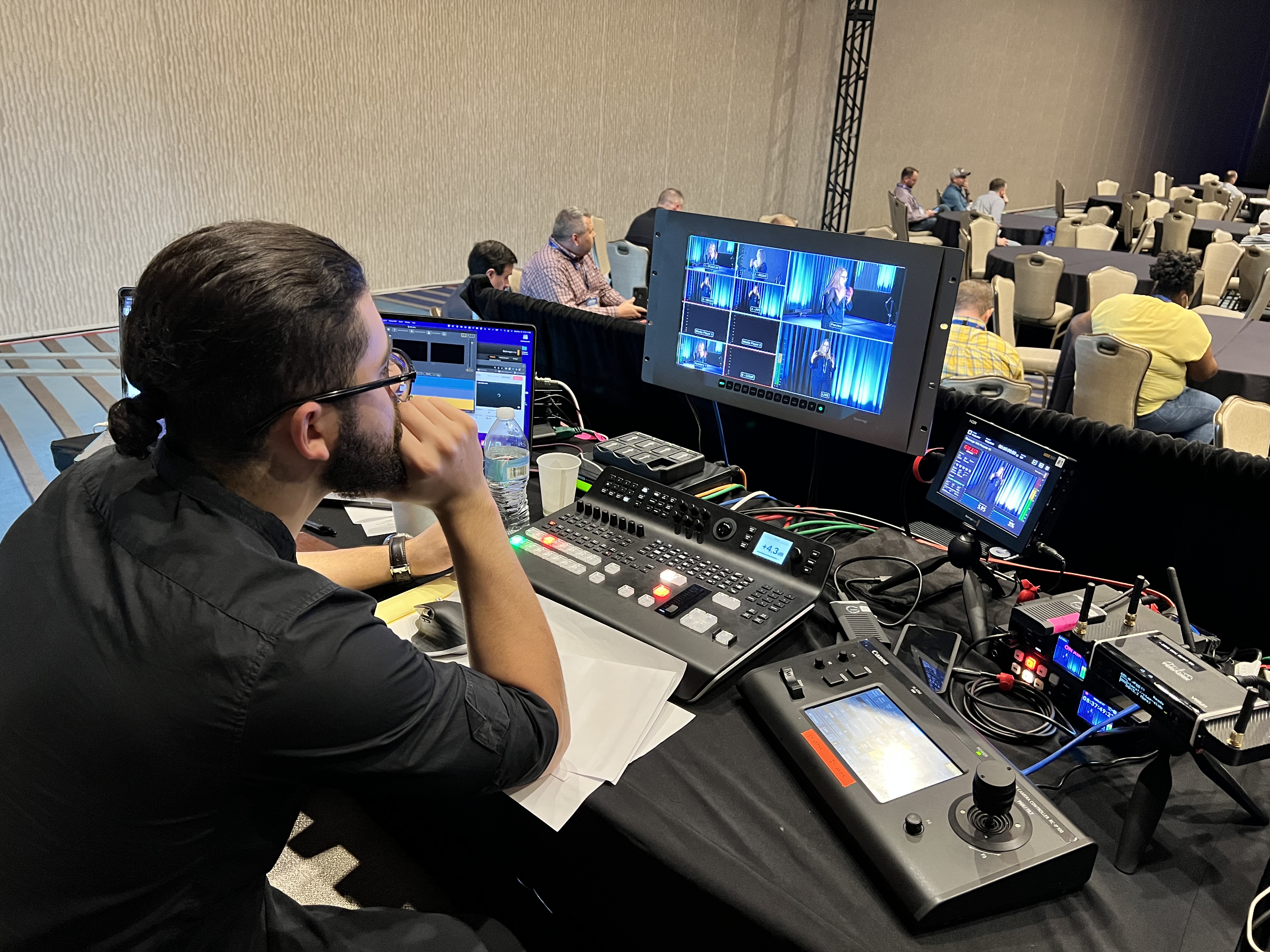
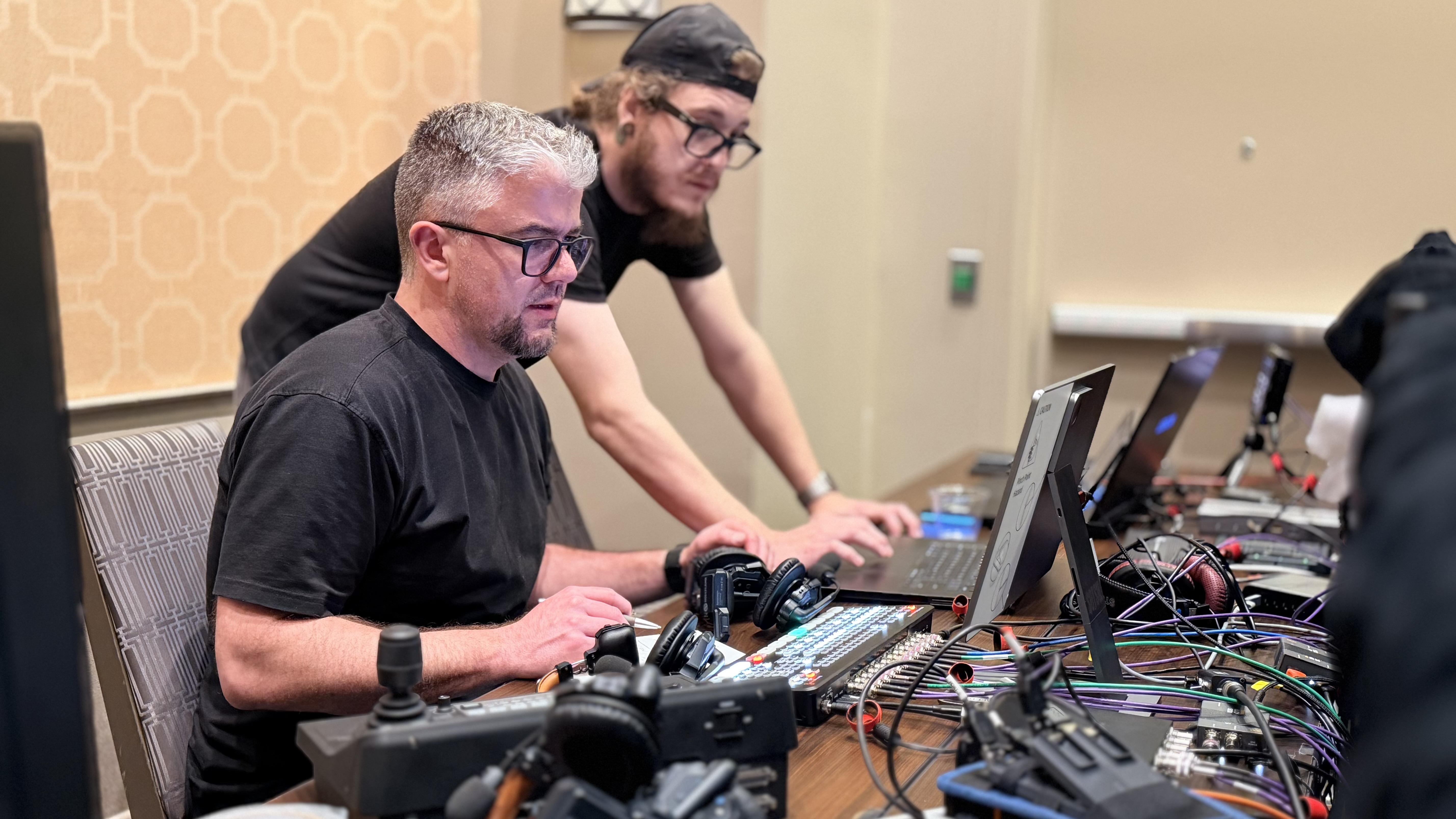
This is where my whole philosophy on redundancy kicks in. You’re paying for it not to fail. I don’t run a single internet connection and hope — I bring a bonded encoder, a LiveU Solo Pro, that pulls from the venue network and a cellular connection at the same time. If one path stutters, the other carries the stream and your viewers never see it. Add backup power, a second recording running locally, and broadcast-grade gear that doesn’t quit on you — Canon CR-N500 PTZ cameras, a Blackmagic ATEM for clean switching, Sennheiser wireless into an Allen & Heath board for audio. And I have a two-crew minimum on in-person events for exactly this reason: one person can’t watch the stream health, mix audio, run cameras, monitor the access gate, and troubleshoot all at once. You want a set of eyes on the broadcast at all times and a second set free to fix whatever comes up. For a deeper look at where these productions break down, I wrote about why corporate livestreams fail.
Not every event needs this treatment — a user conference you want people sharing is the opposite problem. But these almost always do:
If your event is on that list, the cheap “just throw it on an unlisted link” approach quietly carries more risk than it looks like it does.
A streaming platform handles delivery and whatever access settings it offers. It does not handle the room, the people, the gear, or what happens when something breaks live. That gap — between “we have a private link” and “this is genuinely secure and won’t fail” — is filled by a production partner, not a piece of software. The software won’t sign your NDA, won’t notice the venue’s upload is dropping, and won’t switch to a backup before your audience sees a frozen screen. A person does that.
Whether or not you work with me, these are the questions that separate a vendor who takes confidentiality seriously from one who’ll point a camera and hope. Ask them before you hand over anything sensitive:
If a vendor doesn’t bring up access and security on their own, early, that tells you something. For a sense of how a good partner runs an event end to end, here’s what to expect when you hire a livestream company.
Security and reliability don’t show up as a separate line item so much as they raise the floor — they require more crew, redundant gear, and tighter planning than a casual stream. To give you honest ranges: a fully virtual, single-operator setup starts around $1,385, an in-person event with proper cameras, audio, and a secure stream starts around $3,900, and a multi-camera or hybrid production with Q&A and a larger footprint typically runs $5,000 to $15,000 depending on rooms, cameras, and complexity. I price every event individually, because the security and reliability requirements move the number more than the camera count does. The thing I’d push back on is going cheap here — the cost of a confidential message leaking, or a board meeting freezing live, is measured in trust, not dollars. If you want to see how the pieces add up, I broke it down in how much it costs to livestream an event.
Yes. A genuinely private stream lives on a gated player you control, not a public link, with access locked to your audience through a password, SSO, or a checked registration list. It’s never published publicly or indexed by search, the crew is under NDA, and you control the recording. The exact method is matched to how sensitive the event is.
No. An unlisted link only hides the video from search and public listings. Anyone who gets the link can watch, there’s no verification of who’s viewing, and the recording lives on a public platform you don’t control. For a board meeting or anything with material non-public information, you want verified access control, crew under NDA, and a recording you fully own.
You decide. I capture a clean local recording independent of the stream, then deliver it the way you need it — a private replay page, a gated link, or a raw file to your team. The people authorized to watch live are typically the only ones who get the archive, and copies are purged from my gear after delivery. No automatic public archive.
Redundancy. I run a bonded encoder, a LiveU Solo Pro, that pulls from the venue network and cellular at the same time, so if one path stutters the other carries the stream and viewers never see it. Add backup power, a separate local recording, and a two-person crew so someone is always watching the actual output, ready to fix whatever comes up.
Yes. DFW is home base and where most of my work is, but I travel for the right events. Travel is quoted separately based on location and duration, and the same access-control, confidentiality, and redundancy standards apply wherever the event is.
If you’ve got a board meeting, a sensitive all-hands, or confidential training coming up that has to be both private and rock-solid, I’m happy to talk through what it would take to do it right — no pressure either way. Tell me the audience, the access requirements, and the date, and I’ll give you a straight answer on approach and cost. Reach out whenever you’re ready and we’ll figure out the right fit.