Most people shopping for webinar production services are really asking three questions. What am I actually paying for? What does it cost? And how do I know a provider is legit before my event is on the line? After ten years of producing corporate webinars and virtual events across Dallas-Fort Worth, I can answer all three in plain English.
Here's the short version. Webinar production services cover everything between your content and your audience: cameras, audio, lighting, switching, branded graphics, remote presenter integration, redundant streaming, and a producer running the show in real time. Professionally produced, fully virtual webinars typically start around $2,950. And the fastest way to vet a provider is to ask what happens when something fails, because that answer separates production companies from people who press record.
One thing to settle up front: this is not about whether your team should run webinars themselves. I wrote a separate breakdown of in-house vs. outsourced webinar production for that decision. This post is for when you've decided to bring in help and want to know exactly what you're buying.
A real webinar production service delivers a show, not just a stream. That breaks down into three phases: everything before the event, the broadcast itself, and what you walk away with afterward.
Before the event, your production team runs tech checks and rehearsals with every presenter, builds the run of show with you, and preps your branding: logo, colors, lower-third name graphics, and holding slides. This phase is where most webinar disasters get prevented. A presenter with a bad mic or a shaky connection gets caught in rehearsal, not live in front of your prospects.
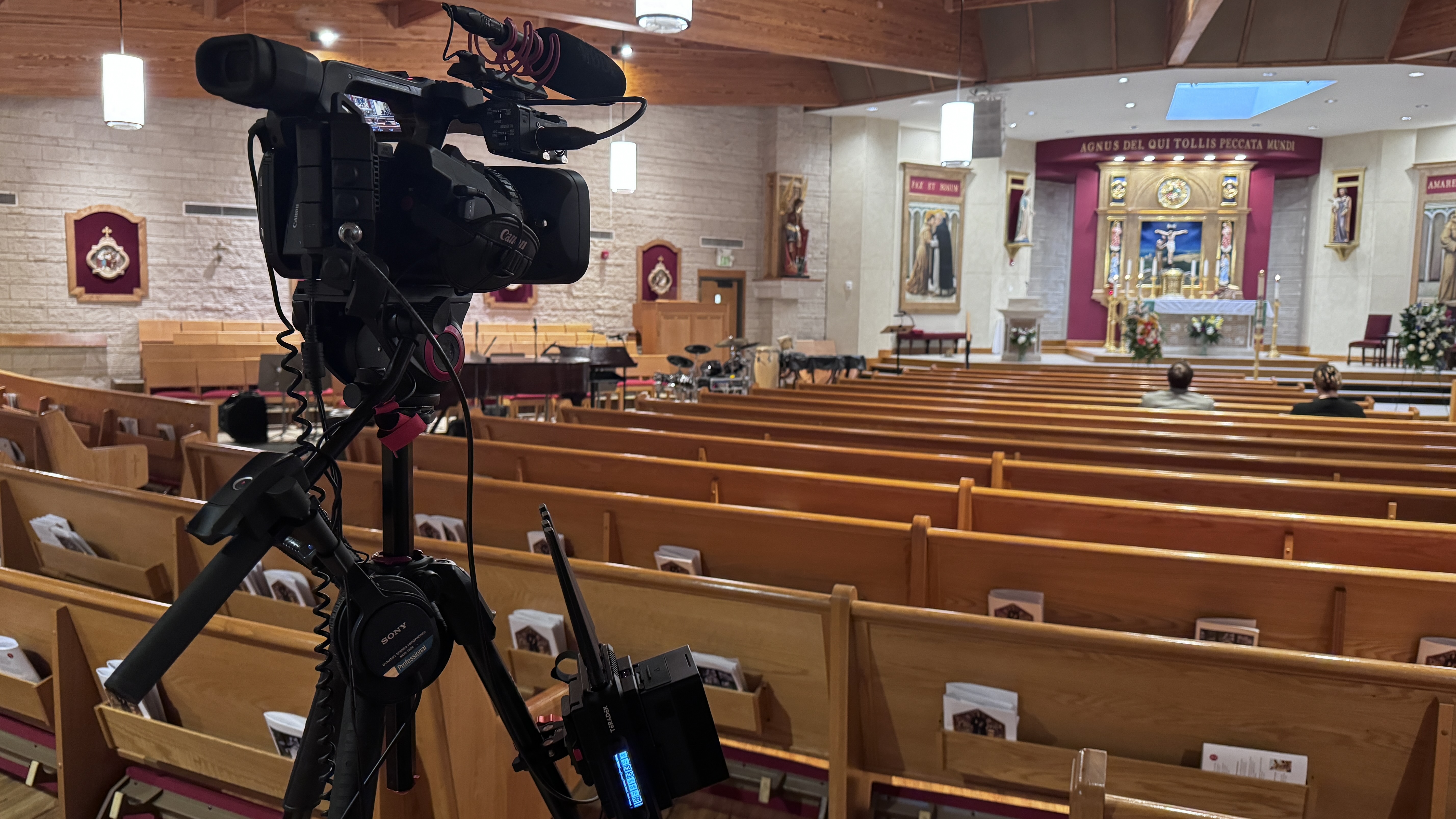
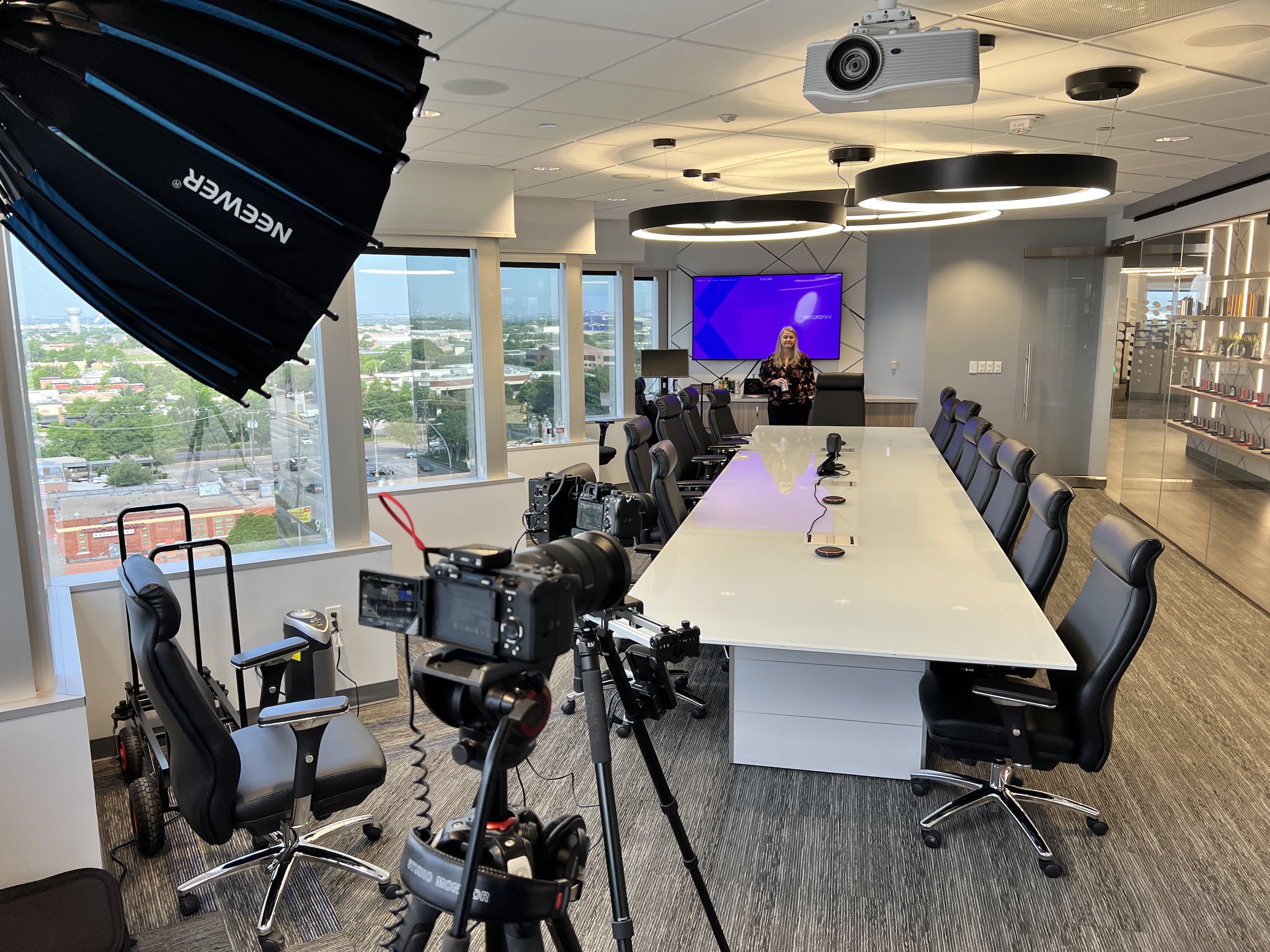
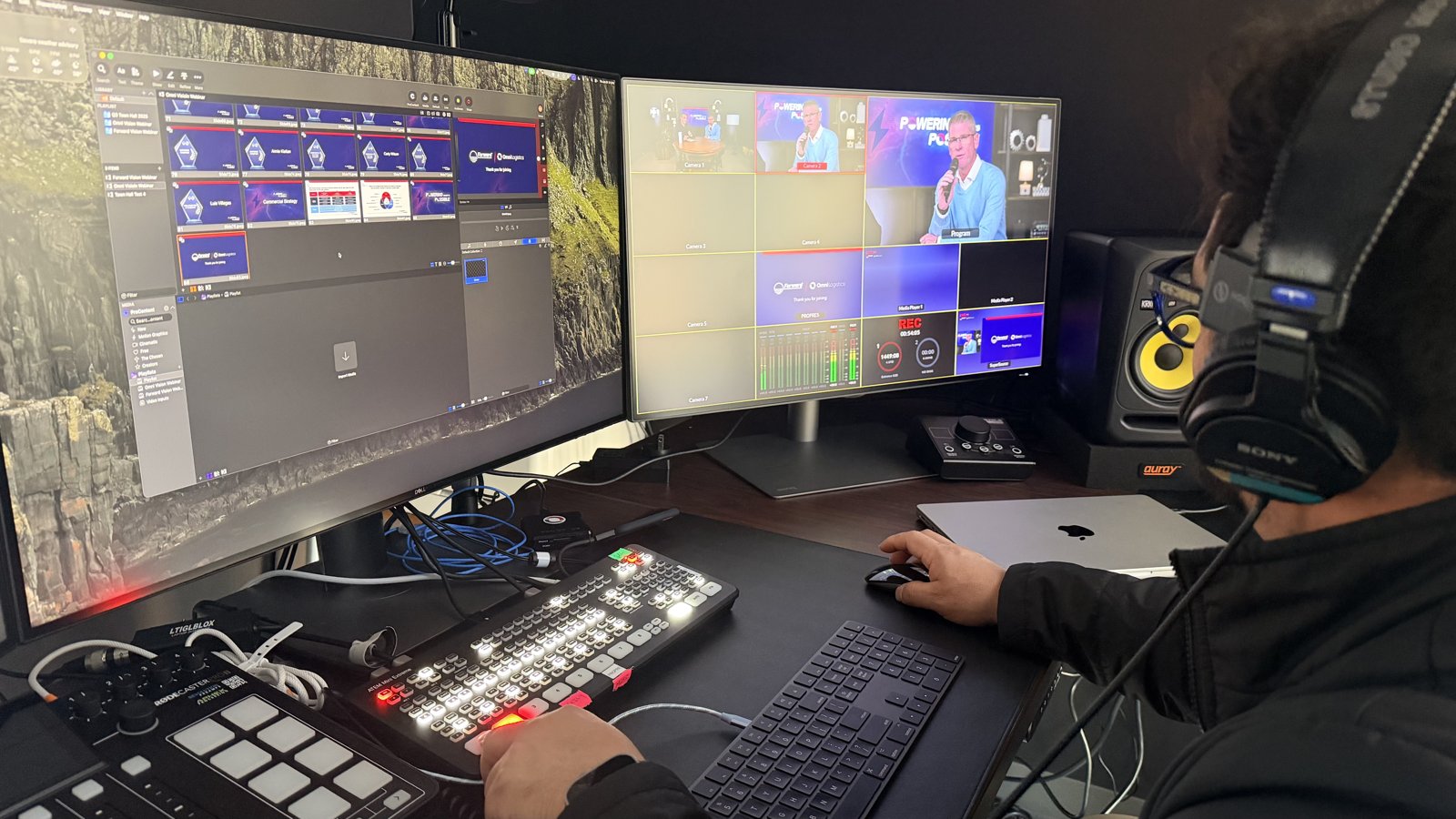
During the broadcast, you get the production layer most webinars never have: real cameras instead of webcams, professional audio instead of laptop mics, and an operator switching between angles, mixing sound, and bringing remote presenters into the program so they look like part of the show instead of a floating Zoom square. On our productions that means Blackmagic ATEM switching, Sennheiser wireless mics, and a bonded LiveU encoder that keeps the stream alive even if the building internet drops. Someone is watching stream health every second, which means your team is free to actually host the event.
Afterward, you get a clean recording delivered wherever you need it, plus attendance and engagement data. Plenty of webinars earn more views on demand than they do live, so the recording is not an afterthought. It's half the value.
Production services sit on top of your platform, they don't replace it. Zoom, Teams, GoTo, Webex, whatever your audience already registers through stays exactly where it is.
This surprises people constantly. A production team feeds a broadcast-quality program into the platform you already pay for, so your registration pages, email reminders, and analytics don't move. Attendees join the same way they always have. The difference is what they see and hear when they get there. So if you've been comparing platforms hoping one of them will make your webinars look professional, save yourself the migration: the platform was never the problem. The production layer is what changes the experience.
That's also why platform choice matters less than the feature-comparison articles suggest. Pick the one your audience and your team already know, and put the budget difference into production. Webinars earn that investment: 73% of B2B marketers say webinars produce the best high-quality leads of any channel they run, and the experience you broadcast is what those leads remember about your brand.
Every event is scoped individually, but honest ranges beat "contact us for pricing." Fully virtual webinar production typically starts around $2,950 for a single-session event with professional cameras, audio, graphics, and a producer.
From there, the number moves with scope. Multiple presenters in different locations, a hybrid format with an in-room audience, multi-session series, or same-day edited clips all add production hours and gear. Hybrid is the biggest jump, because the moment you add a live room you're mixing two audiences with different needs, which I cover in my hybrid event production guide. For the full picture of what drives production pricing up or down, my livestream cost breakdown applies to webinars too.
When you compare quotes, look at what's included rather than the bottom line. The cheap quote usually got cheap by cutting rehearsals, backup internet, or the second pair of hands, which are exactly the things you'll miss when something goes sideways at 9:02 a.m.
Five questions will tell you nearly everything about a provider. None of them require technical knowledge, and the answers are hard to fake.
First: what happens if the internet fails during my event? You want to hear a specific answer about redundancy, like bonded cellular backup, not "that's never happened to us." Second: who exactly will be running my event? You're hiring people, not a brand. With us, either I'm there or my lead operator Eli is, every time. Third: do you rehearse with our presenters beforehand? If rehearsals aren't standard, keep looking. Fourth: how do remote presenters get into the broadcast, and what does it look like? Ask to see an example. Fifth: what do we get afterward, and how fast? Recording, clips, and viewer data should have clear delivery timelines.
I'd add one more if the event matters to your pipeline: ask how they handle audio. Viewers forgive a soft camera shot, but they leave over bad sound. I wrote a whole piece on getting livestream audio right because it's the single most underrated part of any broadcast, webinars included.
The gap between a produced webinar and a default one is obvious the moment you see both. Here's a real example of what the produced version feels like.
We flew from Dallas to Washington, D.C. to produce a corporate event with multiple remote presenters joining from different cities. Multi-camera setup, branded graphics, a producer cueing every transition. The feedback that stuck with me: "it feels like watching a talk show." That's the bar for a produced webinar. Not "the stream worked," but an audience that stays because the thing is actually good to watch.
Compare that to the typical default: a single webcam, slides sharing a screen, audio that changes volume with every speaker, and a host juggling chat moderation while presenting. The content might be identical. The perceived credibility is not. When the audience is customers, prospects, or investors, that perception is the whole game. If you want to see what the full engagement looks like from first call to delivered recording, I walked through it in what to expect when you hire a livestream company.
Honest answer: plenty of webinars don't need a production company, and a good provider will tell you which ones yours are.
Internal training sessions, recurring team Q&As, and small informal sessions run fine on a platform alone with a decent mic and a little practice. If most of your calendar looks like that, your money is better spent on a trained internal setup, and I'd rather help you build one than bill you for events you could own. The events worth producing are the ones with stakes: launches, executive broadcasts, customer-facing series, ticketed sessions, and anything hybrid. If you're weighing which of your events fall on which side of that line, that's exactly what my in-house vs. outsourced breakdown is for. And if your big events are town halls specifically, the Zoom town hall playbook pairs well with this.
Pre-event tech checks and rehearsals with presenters, run of show planning, professional cameras, audio, and lighting, live switching between sources, branded graphics and lower thirds, remote presenter integration, redundant internet for the stream, real-time monitoring, and delivery of the recording and viewer data afterward. You bring the content and speakers; production handles everything else.
Fully virtual webinar production typically starts around $2,950 for a single professionally produced session. Hybrid formats, multiple remote presenters, multi-session series, and edited deliverables move the number up from there. Pricing is scoped per event rather than off a fixed menu.
No. A production team feeds a broadcast-quality program into the platform you already use, whether that's Zoom, Teams, GoTo, or Webex. Your registration, reminders, and analytics stay put. The production layer changes what attendees see and hear, not how they join.
Streaming is delivery: getting video to your audience, which your platform already does. Production is everything that makes the video worth watching: cameras, audio, switching, graphics, rehearsed presenters, and a producer running the broadcast. Most disappointing webinars have a streaming solution and no production.
Two to four weeks is comfortable for a standard webinar, which leaves room for a proper rehearsal with your presenters. Multi-session series and hybrid events benefit from more runway, especially during fall and spring event seasons when calendars fill.
Yes, and it should be. A produced webinar yields a clean recording you can host on demand, cut into clips for social or training, and keep generating leads from long after the live date. Many events earn more total viewers on the recording than the live session.
Tell me what you're planning and I'll tell you what it actually needs. Sometimes that's full production, sometimes it's a better mic and thirty minutes of advice. Either way you'll know what you're paying for and why, before you commit to anything.